Windows 11 on old hardware: is the upgrade worth it in 2026?
Windows 10 lost security patches in October 2025. If your machine is a 6th to 10th gen Intel box, here is the honest answer on whether to force Windows 11 or replace the hardware.
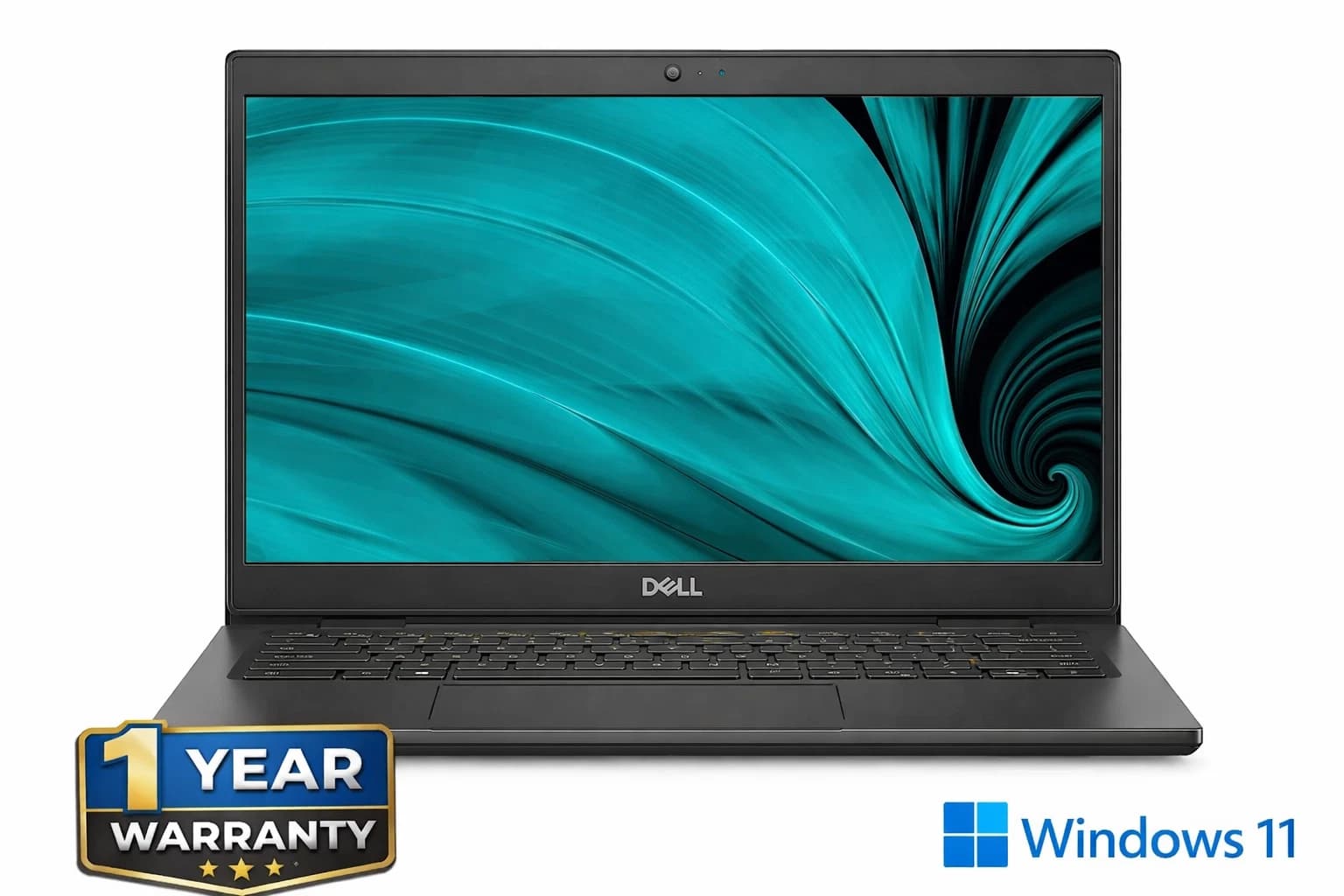
Windows 10 stopped receiving free security updates on 14 October 2025. If your PC is a 6th, 7th, 8th, 9th, or 10th generation Intel box, Microsoft has told you politely that you are not invited to Windows 11. The question is what to do about it.
What Windows 11 actually requires in 2026
The published floor: a 64 bit dual core processor at 1 GHz or faster, 4 GB of RAM, 64 GB of storage, UEFI with Secure Boot, TPM 2.0, and a DirectX 12 GPU. The controversial ones are TPM 2.0 and the CPU allow list.
TPM 2.0 is a cryptographic chip, or a firmware equivalent baked into the CPU, that stores encryption keys and validates boot integrity. Intel calls its firmware version PTT, AMD calls it fTPM. Almost every business machine sold since 2016 has one, though on consumer boards it is often disabled by default in UEFI.
Officially Microsoft supports 8th generation Intel Core (Coffee Lake, 2017) and Ryzen 2000 series and newer. That cuts off a huge population of otherwise healthy 6th and 7th gen boxes: the i5-6500, i7-7700, i5-7500, and every laptop with an i7-6700HQ or i7-7700HQ. The public reason is Mode Based Execute Control (MBEC), which lets the hypervisor accelerate memory integrity checks in hardware. 7th gen and earlier chips emulate it in software, slowing Hyper-V and Virtualisation Based Security by roughly 30 to 40 per cent in Microsoft's own testing. The uncharitable reading is that MBEC is a convenient excuse for a refresh cycle. Both can be true.
Two workarounds that still function
The first is Rufus. The free USB imaging tool has offered a "Remove requirement for 4GB+ RAM, Secure Boot and TPM 2.0" tick box since 3.19. As of 4.6 it still works against the 24H2 ISO. Download the official ISO, run Rufus, tick the boxes, write the USB, install. Cumulative updates have continued to arrive on unsupported hardware through 25H2, but there is no guarantee that holds forever. If Microsoft ever enforces, a machine could be stranded on whatever build it was on.
The second is Microsoft's own escape hatch. During setup, press Shift plus F10, run regedit, and add a key called LabConfig under HKEY_LOCAL_MACHINE\SYSTEM\Setup with DWORD values BypassTPMCheck, BypassSecureBootCheck, and BypassRAMCheck all set to 1. Close regedit and setup continues. A clean install with this bypass works on almost anything with TPM 1.2 or better and Secure Boot capability.
Real performance on 6th to 10th gen Intel
On a Kaby Lake i7-7700 (4 cores, 8 threads, 3.6 GHz base) with 16 GB DDR4 and an NVMe SSD, PCMark 10 drops roughly 4 to 7 per cent from Windows 10 22H2 to Windows 11 24H2 with default security settings. Cinebench R23 multi core is within 2 per cent. Boot time is 1 to 2 seconds slower.
Games are less affected. In CS2 at 1080p medium with an RX 6600, a 7th gen i7 stays at 180 to 220 fps on either OS. In Baldur's Gate 3 at 1080p high the same chip holds 55 to 65 fps in Act 3 crowds. The bottleneck is the GPU.
The picture worsens on 6th gen Skylake and dual core U series laptop chips. An i5-6200U with 8 GB RAM and a SATA SSD runs 24H2, but Edge with ten tabs plus Teams plus Word leaves 300 MB free and the disk pegged at 100 per cent. That machine was fine on Windows 10. On Windows 11 it is a chore.
Buy the tested unit
If your 6th or 7th gen box is on borrowed time, the sensible move is a refurbished machine that already carries a genuine Windows 11 Pro licence and a warranty. See the tested desktop this article is written against. Every unit ships with a fresh install, a twelve month warranty, and a UK based support line.
When to upgrade, when to replace
Three questions decide it. First, does the machine have an NVMe SSD and at least 16 GB of RAM? If yes, and the CPU is 8th gen or newer, upgrade in place. Second, what is it used for? Email, browsing, Office, streaming: a 7th gen i5 with 16 GB and an SSD is fine on Windows 11 via Rufus for another two to three years. Video editing, CAD, virtualisation, or modern gaming above 1080p medium: the CPU is now the ceiling. Third, what is the total cost of hanging on? A fresh SSD plus RAM plus an afternoon is £80 to £120. A refurbished 12th gen SFF with Windows 11 Pro, a 512 GB NVMe, and 16 GB DDR4 is £260 to £340. If the old machine has only eighteen months left, the maths favours replacement.
The security calculus post October 2025
Running Windows 10 in mid 2026 without paid Extended Security Updates is a real risk. Since October 2025 at least seven high severity Windows vulnerabilities have been patched on Windows 11 and left open on unlicensed Windows 10 installs. Consumer ESU is available for one year at $30, but that runs out in October 2026 with no announced extension. For a home machine that does online banking, this matters. For a workshop PC that never touches the internet, it does not.
Frequently asked questions
Can I install Windows 11 on an i5-6500 in 2026?
Yes, using Rufus or the LabConfig registry bypass. Performance is acceptable with 16 GB of RAM and an SSD. Expect a 5 to 8 per cent hit on productivity benchmarks against Windows 10. Games are largely unaffected until the GPU becomes the bottleneck.
Will unsupported Windows 11 installs keep getting security updates?
They have continued to receive cumulative updates through 25H2 in 2026. Microsoft has never guaranteed this. Treat continued updates as a courtesy that could end at any feature release, not a right.
Is TPM 2.0 the same as Intel PTT or AMD fTPM?
Functionally yes. Both are firmware implementations of the TPM 2.0 spec running on the CPU rather than a discrete chip. Windows 11 accepts either. The setting is usually disabled by default and lives in UEFI under Security or a menu called "Trusted Computing".
Should I buy a discrete TPM 2.0 module for my motherboard?
Usually not. A discrete TPM header module is £15 to £40, but if the board is old enough to need one, the CPU is probably on the wrong side of the allow list anyway. Spend the money on an SSD instead.
What is the cheapest way onto supported Windows 11 hardware in 2026?
A refurbished 8th or 10th gen business SFF (Dell OptiPlex, HP EliteDesk, Lenovo ThinkCentre) with 16 GB DDR4, a 256 or 512 GB NVMe, and a genuine Windows 11 Pro licence runs £200 to £320 from a reputable UK refurbisher.
About Birmingham AV
Birmingham AV is a Bromsgrove, Worcestershire refurbisher with 87,000 items sold and 24,756 buyer feedbacks at 98.9 per cent positive. Companies House 12383651. VAT GB 348755066. Every machine ships fully tested, with a genuine Windows 11 Pro licence where applicable and a twelve month warranty covering parts and labour. Our support line is answered by the same people who tested the unit.