Undervolt your GPU for silence: 2026 guide
Drop your GPU's core voltage with MSI Afterburner's curve editor and trade a small slice of performance for a much cooler, quieter card. Here is the safe method.
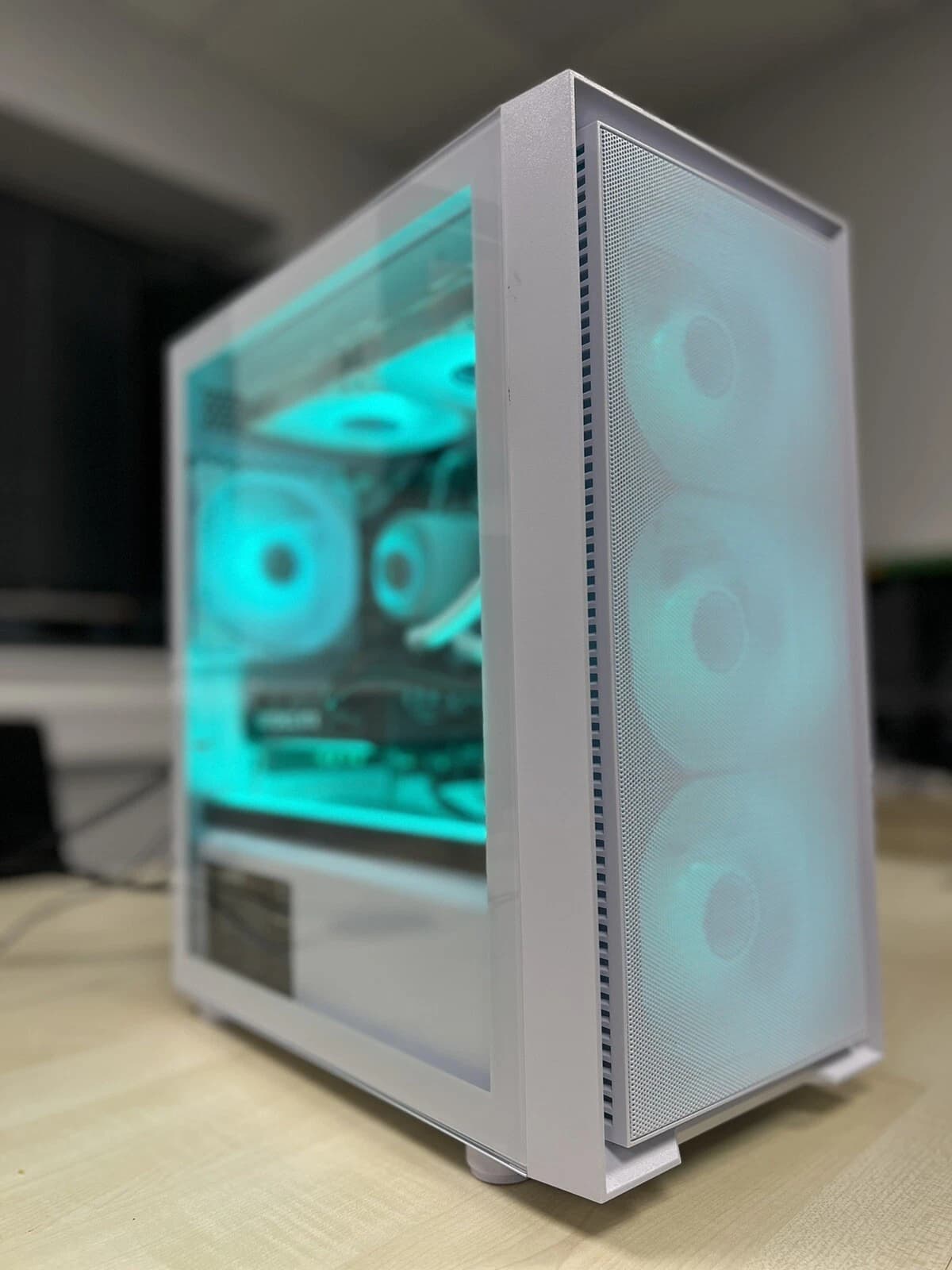
Modern graphics cards ship with generous voltage headroom because the vendor cannot know which silicon lottery you drew. That headroom costs heat, fan noise, and power. Undervolting reclaims most of it. On a typical RTX 4070, RTX 4070 Ti, or RX 7800 XT, a careful curve tune costs 5 to 15 percent performance and returns 20 to 40 percent thermal reduction. Fans slow down and the case stops sounding like a jet on approach.
This guide covers the method that works reliably on Ampere, Ada, and RDNA 3 hardware using MSI Afterburner.
Why undervolting works
A GPU boost algorithm picks a voltage and frequency point from a stock curve. That curve is padded so the weakest silicon in the batch remains stable at rated boost. If your specific die is average or better, it will hold the same frequency at a lower voltage. Power scales roughly with voltage squared multiplied by frequency, so a 100 mV drop on a card that pulls 280 W stock can trim 60 to 90 W under load.
Less power in equals less heat out, and less heat means fans can spin slower to hold the same junction temperature. That is where the acoustic win comes from.
What you need before you start
Install the current stable MSI Afterburner (4.6.6 or later in 2026 builds), a stress tool that actually loads the shader cores (3DMark Speed Way, Furmark 2, or a 30 minute loop of Cyberpunk 2077 with path tracing), and HWiNFO64 for sensor logging.
Note your baseline first. Run a benchmark at stock, record the score, the average clock, the peak GPU temperature, the peak hotspot, and the fan RPM. Without a baseline, you cannot prove your tune is actually better.
The curve editor method, step by step
Open Afterburner and press Ctrl and F to open the voltage frequency curve. Each dot represents a voltage point in millivolts on the X axis and the frequency the card will hit at that voltage on the Y axis.
Pick a target frequency 30 to 60 MHz below your card's stock boost. For a 2610 MHz RTX 4070 that means 2550 to 2580 MHz. Start with a conservative target voltage: 950 mV for Ada, 900 mV for Ampere, 1050 mV for RDNA 3.
Click the dot at your chosen voltage and drag it up to your chosen frequency. Then hold Shift, select every dot to the right of it, and drag them all down flat. This tells the card: never exceed this voltage, and hold this frequency across the entire top of the curve. Click apply. The curve should now show a flat plateau after your chosen voltage point.
Save the profile to slot 1. Afterburner resets on reboot if you do not save and enable apply on Windows startup.
Stability testing without wasting a weekend
Run 3DMark Speed Way three times back to back. Watch for driver crashes, black screens, or artefacting (flickering textures, coloured pixels, geometry spikes). If it passes, run Cyberpunk or Alan Wake 2 for 45 minutes at path traced settings. Path tracing hammers the shader cores harder than most synthetic tests and finds voltage instability that Furmark misses.
If you get a driver reset, raise voltage by 15 mV or lower target frequency by 15 MHz and retest. If it passes everything, try dropping voltage by 15 mV and repeat. Stop when you find the minimum stable voltage for that frequency, then add 15 mV back as a safety buffer. Silicon degrades slightly over years and ambient temperatures rise in summer, so that buffer prevents crashes in August.
What good numbers look like
Realistic results on well ventilated cases with quality air cooling:
- RTX 4070 stock: 2610 MHz, 195 W, 68 C, 1750 RPM. Tuned: 2550 MHz at 925 mV, 145 W, 58 C, 1200 RPM. Roughly 4 percent frame rate loss, 26 percent power reduction, 10 C cooler.
- RTX 4080 Super stock: 2550 MHz, 320 W, 72 C, 1900 RPM. Tuned: 2490 MHz at 950 mV, 240 W, 62 C, 1300 RPM. About 3 percent frame rate loss, 25 percent power drop.
- RX 7800 XT stock: 2430 MHz, 263 W, 74 C GPU, 92 C hotspot. Tuned: 2350 MHz at 1080 mV, 205 W, 66 C GPU, 82 C hotspot. Around 4 percent loss, 22 percent power drop.
The top end of the 40 percent thermal claim applies to poorly cooled cards in cramped cases where fans were previously ramped to 100 percent. On a decent tower cooler in a mesh case, 20 to 25 percent is more typical.
Skip the tuning entirely
If reading voltage frequency curves is not how you want to spend a Saturday, buy a machine that arrives silenced. Every Birmingham AV gaming pre-built ships with the GPU curve pre-tuned on the specific card in the specific chassis, verified across a 45 minute path traced stability loop.
See the current silenced gaming PC listing
Available configurations span mid range RTX 4060 Ti builds through to full RTX 4080 Super rigs with Ryzen 7 or Core i7 CPUs. Every unit ships with a twelve month warranty and a printed sheet listing the exact voltage, frequency, and fan curve applied.
FAQ
Will undervolting damage my GPU?
No. Lowering voltage reduces electromigration stress on the die, making it one of the safest tuning operations. Overvolting or overclocking carries risk, but reducing voltage does not.
Does undervolting void my warranty?
Not on the physical card, because the change lives in software and resets when Afterburner is uninstalled. Nvidia and AMD warranty policies cover hardware defects regardless of driver level tuning. Flashing a modified BIOS is different and can void warranty.
Why not just lower the power limit instead?
You can, and it is faster. Setting power limit to 75 percent achieves a similar thermal result with two clicks. The trade off is worse performance per watt, because the card still tries to hit maximum voltage and then throttles hard.
How often should I retune?
Retune when drivers change significantly or case airflow changes. In practice, one tune lasts the useful life of the card. Recheck stability every twelve months with a 30 minute stress test.
About Birmingham AV
We have sold over 87,000 items on eBay since 2017 with 24,756 buyer feedbacks at 98.9 percent positive. Every system ships with a twelve month warranty and UK based support. Birmingham AV Ltd is registered at Companies House number 12383651, VAT number GB 348755066, based in Bromsgrove, Worcestershire. One of the highest volume refurbished PC operations on eBay UK.