Thermal paste application: the honest guide
Pea, dot, cross or line. Which pattern actually matters, when it does not, and how to skip the guesswork entirely.
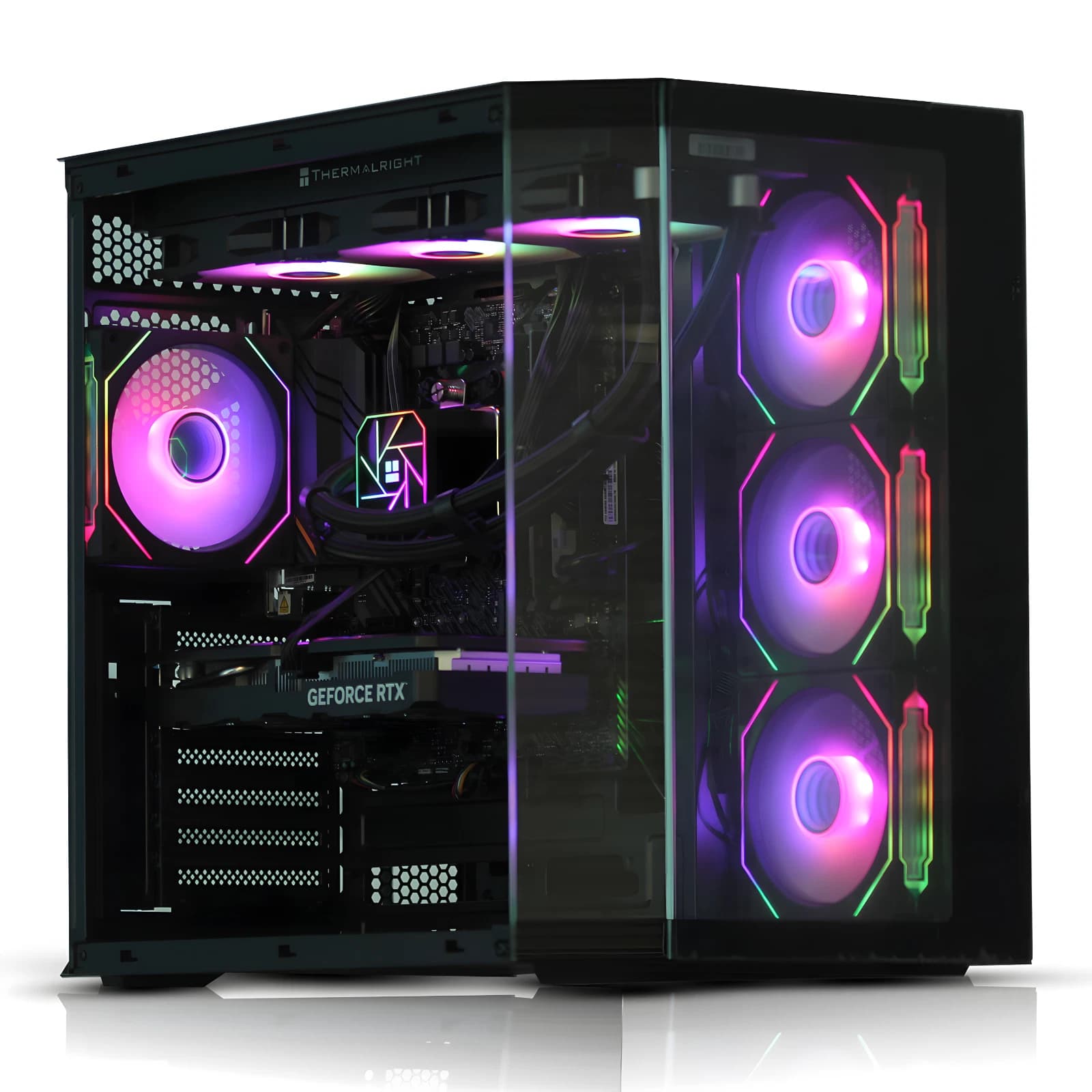
Thermal paste is one of the most argued about topics in PC building, and most of the argument is noise. The compound exists to fill microscopic gaps between the CPU integrated heat spreader (IHS) and the cooler cold plate. Once those gaps are filled, temperatures stop caring about artistry.
What thermal paste actually does
Two machined metal surfaces look flat but are rough at the micron scale. Air is a poor conductor of heat, so any trapped air blocks transfer. Thermal paste is a mildly conductive filler that displaces that air. That is the entire job.
Modern pastes such as Arctic MX-6, Noctua NT-H2 and Thermal Grizzly Kryonaut sit in a narrow band, roughly 8 to 12.5 W/mK. On a Ryzen 7 7700X or Core i5 14600K, the delta between a well applied premium paste and a well applied mid tier paste is usually one to three degrees Celsius under load, inside run to run variance. Application, not the tube, decides the result.
Pea, dot, cross, line: what the patterns solve
Every pattern tries to spread paste evenly across the IHS as the cooler clamps down, without trapping air and without squeezing so much out that it flows onto the socket. The right choice depends on die shape and cold plate geometry.
- Single pea in the centre: safe default for square IHS designs such as AMD AM4 and AM5. Clamp pressure spreads it symmetrically. Works with almost every tower cooler and 240 or 360 mm AIO.
- Five dot: a legacy pattern from LGA 2011 and Threadripper. On a modern 40 by 40 mm IHS it usually applies too much paste.
- Thin line: designed for rectangular Intel dies under LGA 1700. A line parallel to the long side can give one to two degrees improvement over a centre pea on Raptor Lake refresh chips.
- Cross or X: rarely the best on desktop parts. The extra paste at the edges contributes nothing.
- Spread manually with a card: still valid on bare die GPUs and older CPUs without an IHS.
The uncomfortable truth: on 90 percent of modern desktop builds, a rice grain sized centre pea is within one degree of the theoretical best.
When application actually matters
Three scenarios move temperatures by more than a couple of degrees.
First, high wattage Intel parts. A Core i7 14700K or Core i9 14900K sustaining 250 watts plus shows a real delta between a proper line and a poor pea, because the die is long and hotspots are not centred. Aim for a thin line roughly 3 to 4 mm wide, running the long direction of the IHS.
Second, direct die cooling. On a delidded chip, laptop CPU or bare GPU, patterns matter enormously. Too much insulates the die, too little misses coverage. Use tiny amounts and a spreading card.
Third, convex cold plates. Several Noctua and be quiet coolers have a slightly convex base to compensate for warped IHSs. A centre pea works well. A five dot pattern often leaves the corners dry, because the plate contacts the centre first.
Cooler specific advice
- Noctua NH-D15 and NH-U12A: centre pea, roughly a long grain of rice.
- Arctic Liquid Freezer III 360: ships with MX-6 pre applied. Do not add more. If removed, a pea is correct.
- be quiet Dark Rock Pro 5: convex base, centre pea only. Cross patterns leave residue on the socket.
- Deepcool AK620 and AK500: flat base, pea or short line both work.
- Corsair iCUE H150i Elite LCD and similar Asetek pumps: pea for AMD, thin line along the long axis for LGA 1700.
- Thermalright Peerless Assassin 120 SE: pea. Famously insensitive to application.
If the cooler manual specifies a pattern, follow it.
Skip the whole exercise: BAV pre-built systems
For anyone thinking "I would rather someone competent did this once and I never touched it again", that is the premise of a Birmingham AV pre-built. Every system leaves the workshop with thermal paste already applied, seated under a cooler matched to the CPU, and tested under sustained load before dispatch. No guesswork about quantity, no paste on the socket, no re-seating six months later.
You can see the full range of Birmingham AV pre-built desktops and refurbished workstations on eBay here, from entry level office boxes around £150 through to Ryzen and Core i7 gaming builds. Configurations vary by listing: some ship with tower air coolers, some with 240 mm AIOs, and RAM, storage and GPU differ between variations.
For a DIY build, the most common failure is using too much. A modern IHS is roughly 40 by 40 mm on AMD AM5, or 37.5 by 45 mm on LGA 1700. The correct volume at the ideal 50 micron thickness is tiny: about one and a half grains of rice. Some squeeze out is fine. A visible ring is not. Non conductive pastes such as MX-6 are forgiving if a little escapes. Liquid metal is not, and should never be used unless the person applying it fully understands bare die application.
FAQ
How often should thermal paste be replaced?
On a well applied premium paste, every four to six years for typical desktop use. If temperatures under load creep up by more than five to seven degrees against the original baseline, that is the signal. Most people never need to repaste until they change cooler or CPU.
Can toothpaste or another substitute be used in an emergency?
No. Toothpaste, hair gel and the various internet suggestions will damage components or dry out in hours. A £6 tube of Arctic MX-6 is cheaper than a new motherboard and available next day.
Does thermal paste conduct electricity?
Standard silicone based pastes such as MX-6, NT-H2 and Kryonaut are electrically non conductive and safe if a small amount touches surrounding components. Liquid metal is highly conductive and must be contained precisely. If in doubt, stick with non conductive paste.
Should old paste be cleaned off before applying new?
Yes, always. Use 99 percent isopropyl alcohol and a lint free cloth on both the IHS and the cold plate. Fresh paste on top of dry, cracked old paste traps air pockets and gives worse temperatures than a proper clean and reapply.
About Birmingham AV
Birmingham AV has sold over 87,000 items on eBay since 2017, with 24,756 buyer feedbacks at 98.9 percent positive. We are one of the highest volume refurbished PC operations on eBay UK, based in Bromsgrove, Worcestershire. Every desktop and workstation ships with a twelve month warranty, tested under load before dispatch. Companies House 12383651. VAT GB 348755066.