RTX PRO workstation cards vs consumer GPUs for AI in 2026
The RTX PRO 6000 Blackwell packs 96GB of VRAM for serious local AI work. The RTX 5090 offers 32GB at a fraction of the price. Here is when each one earns its keep.
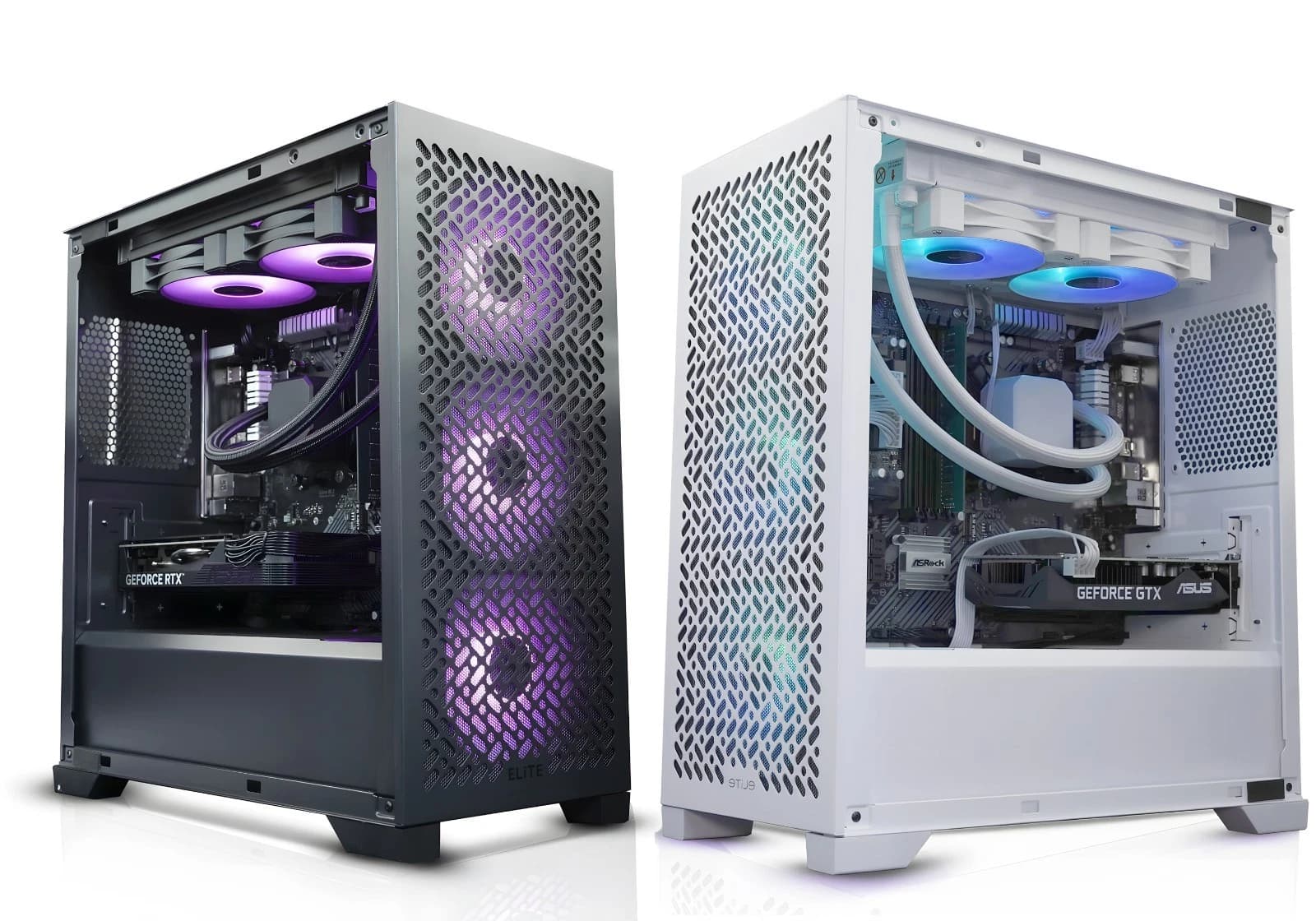
The gap between workstation and consumer GPUs used to be about drivers. In 2026 the split is far more practical: VRAM capacity, sustained compute, and thermal headroom. For a UK local AI rig, the choice usually comes down to the RTX PRO 6000 Blackwell at 96GB or the RTX 5090 at 32GB, and the answer is not always the expensive one.
The two cards on the table
The RTX PRO 6000 Blackwell Workstation Edition ships with 96GB of GDDR7 on a 512 bit bus, roughly 24,000 CUDA cores, fifth generation Tensor cores, and a 600W board power figure with Max Q variants dropping to 300W. UK trade pricing sits between £8,500 and £10,500 depending on cooler variant.
The RTX 5090 and its AIB partner cards use the same Blackwell architecture but with 32GB of GDDR7, around 21,760 CUDA cores, and a 575W TDP. UK street pricing sits between £1,900 and £2,400 for stock and lightly overclocked models, with halo air coolers pushing towards £2,800. It is a triple slot card that assumes a full tower and a 1000W PSU minimum.
On paper the raw compute delta is smaller than the price gap suggests. In practice the VRAM is what changes the shape of what you can do.
VRAM is the whole argument
A dense 70B model in 4 bit quantisation occupies around 40GB before context, KV cache, or a second model for tool use. A 5090 will run a 4 bit 32B model comfortably with 16k of context, but it cannot hold a 70B without offloading layers to system RAM, which drops tokens per second by an order of magnitude. The PRO 6000 will hold a full 4 bit 120B model in VRAM with room for a 64k context window and a small embeddings model alongside it.
If your workload is fine tuning, the picture shifts further. QLoRA on a 70B model needs roughly 48GB of VRAM. Full fine tuning of a 13B in bf16 wants 80GB or more. The PRO 6000 does these on one card. The 5090 does not.
For image and video, Flux.1 dev at full precision, SDXL with a ControlNet stack, or Wan 2.1 video at 1080p all fit on 96GB with headroom. The 5090 handles them but with tighter batch sizes.
Where the 5090 actually wins
The 5090 is the fastest single GPU you can buy for anything that fits in 32GB. Its clock speeds run higher, its GDDR7 bandwidth is enormous, and for gaming, raytracing, Blender Cycles, or DaVinci Resolve, it beats the PRO 6000 in single batch throughput. For inference on 7B to 32B class models, Stable Diffusion, or Whisper transcription, the 5090 delivers more tokens per pound than any workstation card in history.
It also fits in a normal ATX build. Birmingham AV stocks a full range of RTX workstation and gaming builds ready for local AI workloads on eBay with configurations spanning entry level 16GB cards up through 5090 class hardware for buyers who want to run 32B models without leaving Bromsgrove.
Compute vs display trade offs
The PRO 6000 has four DisplayPort 2.1 outputs, no HDMI, and is certified for CAD, DCC, and simulation suites. It supports MIG style partitioning on Blackwell workstation firmware, letting a single card serve multiple isolated workloads. It runs cooler and quieter than a 5090 at sustained load because it is engineered for 24/7 duty cycles.
The 5090 has one HDMI 2.1b and three DisplayPort 2.1b outputs, ships with consumer drivers, and is tuned for peak clock behaviour under short thermal load. If the machine doubles as a gaming rig on evenings, the 5090 is the correct answer. If it runs batch jobs overnight in a server room, the PRO 6000 pays back its price in reliability and VRAM headroom.
When workstation cards justify the price
Buy the PRO 6000 if you are training or fine tuning models above 30B parameters, running inference on 70B or larger models in production, serving multiple concurrent AI workloads, or building against ECC VRAM and certified drivers for a regulated environment. The £8,500 delta is trivial compared to a lost week of a data science team waiting for offloaded inference to finish.
Buy the 5090 if your models fit in 32GB, you value peak throughput per pound, and can tolerate a consumer driver release cadence. For most UK small businesses experimenting with local Llama, Qwen, or Mistral variants, this is the honest recommendation.
The BAV consumer gaming build for smaller models
For buyers running 7B to 32B class models locally, a Ryzen 9 9950X or Core Ultra 9 285K paired with a 5090, 128GB of DDR5 6400, and a 4TB Gen 5 NVMe covers everything from Ollama serving to Stable Diffusion batch runs and doubles as a top tier gaming machine. Total build cost sits between £4,500 and £5,200. That is the sweet spot for 2026.
FAQ
Can the RTX 5090 run 70B models at all?
Yes, but only with layer offloading to system RAM, which drops inference speed from around 40 tokens per second to 5 or 6. Technically possible, slow enough to be impractical for interactive use.
Does the PRO 6000 work in a normal desktop case?
The Max Q 300W variant fits in a large ATX case with good airflow. The full 600W blower wants a workstation chassis with front to back airflow and a PSU sized for continuous draw.
Is NVLink still an option for multi GPU AI rigs?
No. Blackwell consumer and workstation cards have dropped NVLink. Multi GPU scaling now happens over PCIe 5.0 x16, fine for inference but a real bottleneck for training compared to the H100 or B200 in a server chassis.
What about AMD Radeon Pro or Instinct cards?
ROCm support in 2026 is usable for inference on the Radeon Pro W7900 and MI300X, but the software ecosystem still lags CUDA by around six months on new model releases. If you need something to just work today, Nvidia remains the safer choice.
About Birmingham AV
We are a Bromsgrove based refurbished PC operation and one of the highest volume refurbished PC operations on eBay UK. Since 2017 we have sold 87,000 items with 24,756 buyer feedbacks at 98.9% positive. Every build ships with a twelve month warranty. Companies House registration 12383651, VAT number GB 348755066.