PC cooling fan curves explained: 2026 practical guide
Silent, balanced, or performance. How to tune fan curves in EFI and software so a rig stays cool without sounding like a hairdryer.
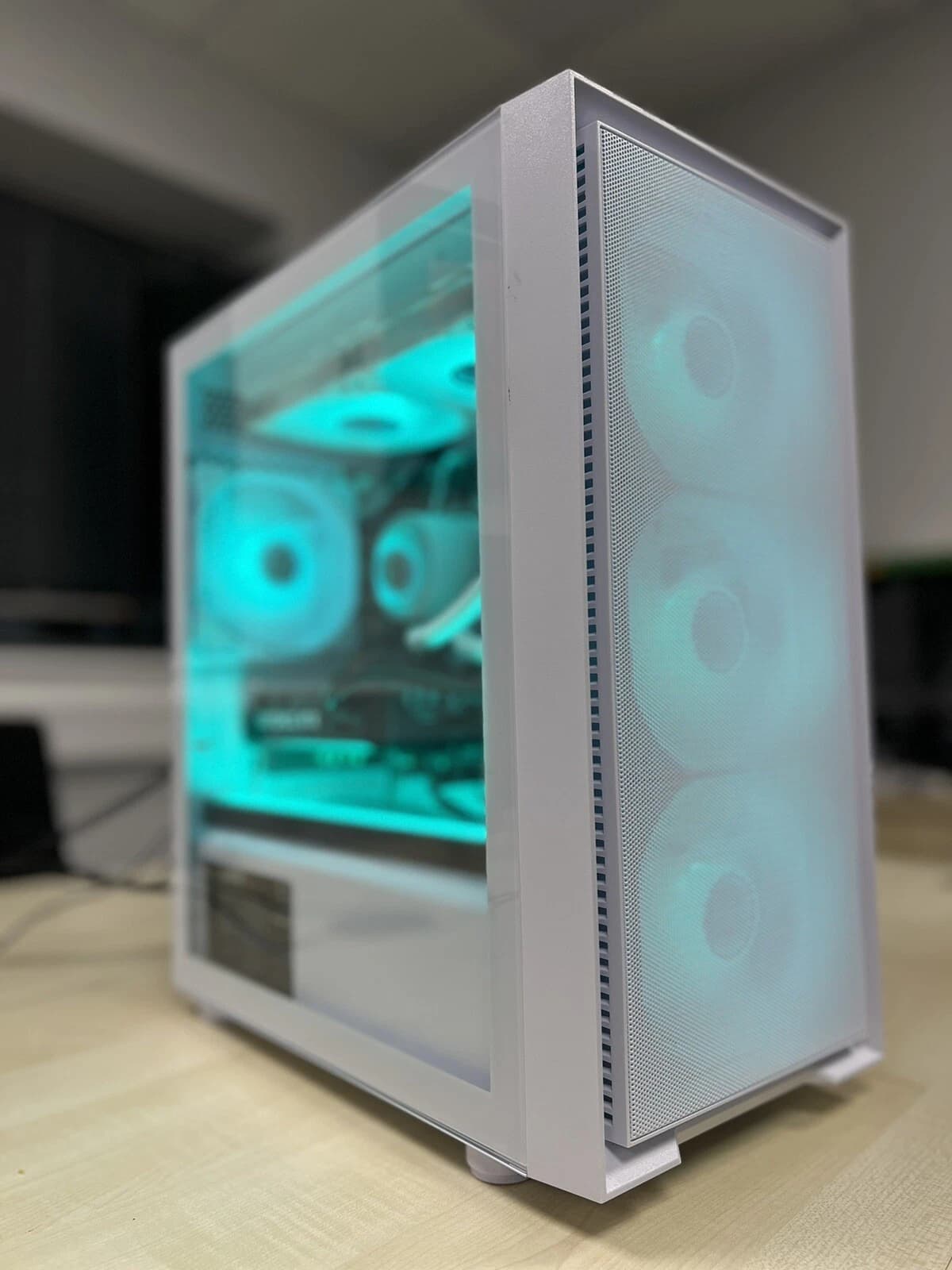
A fan curve is a lookup table. The motherboard reads a temperature sensor, checks the curve, and picks a PWM duty cycle for each header. Get the sensor, the fan pairing, and the ramp steepness right and a PC that used to howl at 70 degrees will sit at a whisper.
What a fan curve actually is
Every 4 pin header takes a PWM signal between 0 and 100 percent duty cycle. The curve maps a sensor reading (usually CPU package, VRM, motherboard, or chassis probe) to a target duty cycle. The output is not RPM directly, it is a request the fan honours based on its own PWM to RPM table.
Two subtleties matter. Hysteresis: without a dead band the fan hunts on every 200ms CPU spike. Minimum duty: most 120mm and 140mm fans stall below 20 percent PWM, so a curve dropping to 0 percent needs zero RPM mode configured.
Silent, balanced, performance: what the presets really do
Vendors ship three canned profiles. A decent starting point but rarely optimal.
Silent holds fans at 20 to 30 percent up to 60 degrees, ramps to 60 percent by 80, and only hits 100 percent above 90. Fine for office work on a 65W CPU. Not fine for a 14700K or 9800X3D under sustained load: the CPU thermal throttles before the fans get moving.
Balanced starts around 30 to 40 percent at 40 degrees, hits 70 percent by 75, and 100 percent by 85. This is where most builds should live. It gives 8 to 12 degrees of headroom on a properly sized cooler and keeps noise below 35 dBA at a metre.
Performance holds a 50 to 60 percent floor at idle and pushes to 100 percent by 70 degrees. Useful for benchmarking or poor airflow. On AIOs the pump curve should be flat at 80 to 100 percent regardless of profile.
Motherboard EFI vs software control
EFI control (Q-Fan on ASUS, Smart Fan on MSI, Fan Xpert on Gigabyte) runs on the SuperIO chip. It responds in milliseconds, works before Windows loads, and keeps working if a driver crashes. The downside is coarse sensor choice: usually CPU, motherboard, and one or two chassis probes.
Software control (open source Fan Control by Rem0o is the effective standard, along with vendor tools like Armoury Crate) can read any exposed sensor including GPU junction, NVMe drive temps, and virtual mix sensors. The downside is latency and the risk that a background service dies and leaves fans stuck at their last commanded speed.
The practical answer in 2026 is hybrid. Set a sensible EFI curve first so the machine stays quiet if software fails to load. Then layer software on top: ramp intake fans on GPU temperature rather than CPU.
See a fully tuned custom build on the Birmingham AV eBay store, cooling profile dialled in before it ships.
Sensor pairing: which fan should follow which temperature
Most stock EFI setups tie every header to CPU temperature. That is lazy tuning. A better mapping:
- CPU tower or AIO fans: CPU package, aggressive above 70 degrees.
- Rear exhaust: CPU temperature with a lower ceiling.
- Front intake: GPU temperature via software, or motherboard temperature via EFI. GPUs dump 200 to 400W of heat into the case in 2026.
- Top exhaust: highest of CPU and GPU via a software mix sensor.
- NVMe fan: drive temperature, flat at 40 percent until 55 degrees, then ramp hard.
Pairing intake fans to GPU load is the single biggest quiet gain most builders miss. The CPU cooler is well fed regardless, but the GPU sits in its own thermal zone.
Real world numbers on a modern build
A 2026 build (Ryzen 7 9700X, RTX 5070 Ti, 240mm AIO, three 120mm intakes, two 120mm exhaust) tuned properly should sit at these figures at 24 degrees ambient:
- Idle: CPU 38 to 42, GPU 40 to 45, fans 500 to 700 RPM, 28 to 30 dBA at one metre.
- Light gaming: CPU 55 to 62, GPU 60 to 65, fans 800 to 1000 RPM, 32 to 34 dBA.
- Heavy load: CPU 78 to 84, GPU 72 to 78, fans 1200 to 1500 RPM, 38 to 42 dBA.
If numbers are higher on an equivalent build, the curve is wrong, the cooler is undersized, or airflow is strangled by cabling or dust filters. Rarely is it the CPU itself.
Where custom builds pull ahead
Every Birmingham AV custom PC ships with the fan curve set on the bench, not left on Auto. Pump flat at 90 percent on AIO builds, independent CPU and GPU sensor pairing, zero RPM mode on tower coolers below 45 degrees, and curves stress tested with a 30 minute all core load before shipping.
A big box prebuilt ships on balanced, tied to CPU temperature, with the pump ramping. That is why off the shelf machines sound rough under gaming load: it is the tuning, not the hardware.
FAQ
Do I need software like Fan Control if my board has Q-Fan or Smart Fan?
Not strictly, but you get better results with both. EFI is the safety net that always works. Software adds smarter sensor sources (GPU junction, NVMe, mix sensors) and lets you save multiple profiles per application.
Should the AIO pump follow a curve?
Generally no. Set the pump to a flat 80 to 100 percent PWM and leave it. Varying pump speed has a small effect on temperature relative to the noise variation it introduces.
Why do my fans stall when the curve hits low percentages?
Most 120mm and 140mm fans need 20 to 30 percent PWM just to spin up. If the curve dips to 10 percent the fan stops. Set a minimum floor of 25 to 30 percent, or enable zero RPM mode which stops the fan cleanly rather than stalling it.
Is a steeper curve always better for temperatures?
No. A steep curve cuts a couple of degrees off peaks but often at 5 to 10 dBA more noise. Aim for a curve that keeps the CPU below 85 degrees under sustained load, then flatten everything below that.
About Birmingham AV
We are Birmingham AV Ltd, one of the highest volume refurbished PC operations on eBay UK. We have sold over 87,000 items since 2017 with 24,756 buyer feedbacks at 98.9% positive. Every custom build ships with a twelve month warranty, the fan curve tuned on the bench, and UK based support. Companies House 12383651, VAT GB 348755066, based in Bromsgrove, Worcestershire.