Intel Core i5 vs Core i7 in 2026: which your use case actually needs
The honest breakdown of i5 versus i7 across five generations, so you spend on the tier your workload will actually feel.
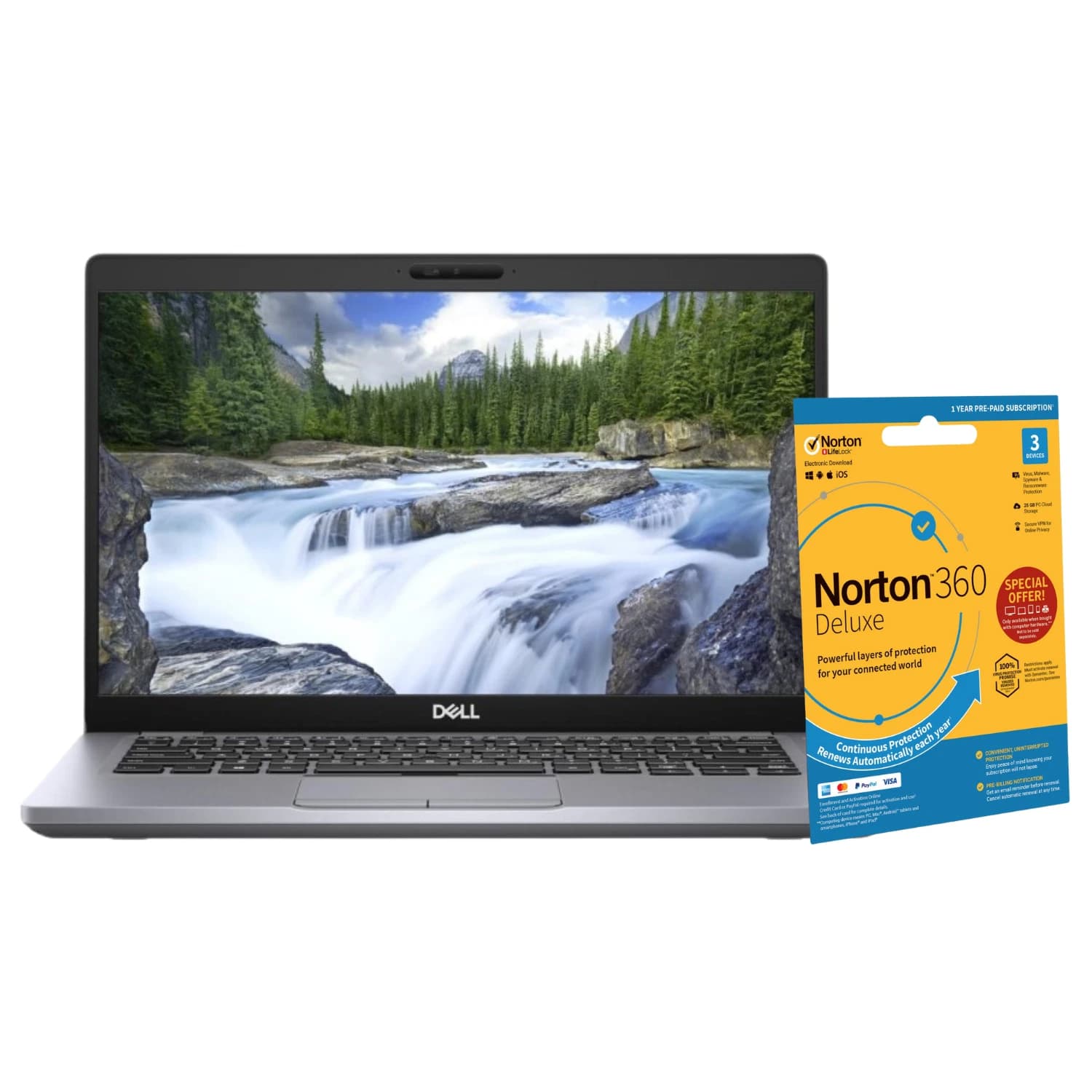
The i5 versus i7 question has been the most common one on the refurbished market for a decade. In 2026 the answer is more nuanced, because a 12th generation i5 with performance and efficiency cores now runs rings around an 8th generation i7 in most real tasks. Generation matters as much as tier. This guide covers what actually changes between i5 and i7 from 8th to 14th gen, and where the extra spend is justified.
What the tier badge really tells you
Intel uses i3, i5, i7 and i9 as a rough performance ladder within a single generation. The tier controls three things that matter: core count, thread count via Hyper Threading, and cache size. It does not control the socket, the chipset, or the RAM type, which is why an i5 and i7 from the same generation usually share a motherboard.
The trap is comparing tiers across generations. An 8th gen i7 has six cores and twelve threads. A 12th gen i5 has ten cores (six performance, four efficiency) and sixteen threads. In benchmarks the i5 wins. Buy generation first, tier second.
Core and thread differences generation by generation
Here is the practical split for desktop parts, since that is where most refurbished stock sits.
- 8th gen: i5 has 6C/6T, i7 has 6C/12T.
- 9th gen: i5 has 6C/6T, i7 has 8C/8T.
- 10th gen: i5 has 6C/12T, i7 has 8C/16T.
- 11th gen: i5 has 6C/12T, i7 has 8C/16T.
- 12th to 14th gen: i5 gains efficiency cores (i5-12400 is 6C/12T, i5-12600K is 10C/16T). i7 runs 12C/20T on 12th gen and up to 20C/28T on 14th.
Laptop chips follow a similar shape but with lower clocks. A U series i7 in an ultrabook often loses to a desktop i5 from the same year, so always check the full part number.
When an i5 is genuinely enough
For most home and office use, an i5 from 10th gen or later is more computer than you need. That covers:
- Web browsing, even with thirty tabs and pinned productivity apps.
- Office 365, Google Workspace, Teams calls with camera on.
- Photo triage in Lightroom, light Photoshop, casual video trimming.
- Casual gaming at 1080p with a mid range GPU. CPU is rarely the bottleneck here.
- Home learning, coursework, and general family use.
If your day is any mix of the above, an i5 saves you £80 to £150 versus an i7 of the same generation, and you will not feel the difference. Put the saving into an NVMe SSD or 16GB of RAM instead.
When an i7 pays back
The i7 earns its place when your workload is sustained, parallel, or both:
- Video editing in DaVinci Resolve or Premiere Pro, especially 4K timeline scrubbing.
- Software development with multiple containers, a language server, and a browser open together.
- Streaming a game while playing it. The encoder loves spare threads.
- Virtual machines and homelab work, where each VM wants its own vCPUs.
- CAD, 3D rendering, and any Blender or Fusion 360 use.
- Data work in Python or R with large frames sitting in memory.
For these workloads, an i7 pays back in wall clock time within weeks. If you export video daily, an 11th gen or newer i7 is the sensible floor.
The 11th gen sweet spot for refurbished
11th gen Tiger Lake in laptops and 11th gen Rocket Lake on desktop hit a rare balance in the refurbished market. Prices have dropped enough that the tier premium is small, PCIe 4.0 is present, and thermals are well understood. You get real gains over 10th gen without paying 12th gen prices.
A refurbished Dell business chassis with an 11th gen i7 handles multi tab development, moderate video work, and home office duty comfortably. Configurations vary by RAM (typically 8GB to 32GB) and storage (256GB to 1TB NVMe), so match the spec to your actual workload.
See the tested Dell i7 11th gen unit on eBay
Power, heat, and what your case can handle
An i7 draws more power under load. On desktop that means a bigger cooler and a chassis with real airflow. On laptop it means more fan noise and lower battery life during heavy work. If you buy a slim ultrabook and expect to render video on battery, the i7 label alone will not save you.
For refurbished small form factor desktops, an i5 is often the smarter buy. The thermal headroom is limited, and a boxed i7 will throttle before it finishes a heavy job. A well matched i5 stays cool and holds its clocks.
How to pick in five minutes
Ask three questions in order.
- What is the heaviest thing you do weekly? If it is video export, VMs, or streaming plus gaming, choose i7. Otherwise i5 is likely enough.
- Which generation can you afford? A newer i5 beats an older i7 in most tasks. Do not pay for an 8th gen i7 when a 12th gen i5 is close in price.
- Does the chassis have room to cool it? Big tower or thick business laptop, i7 is fine. Slim ultrabook or SFF box, lean towards i5 unless the reviews confirm it holds clocks.
Answer those and the shortlist writes itself.
FAQ
Is an i7 worth it for gaming in 2026?
For most 1080p and 1440p gaming, no. The GPU is the bottleneck. i7 helps if you also stream, run Discord with overlays, keep a browser open, and record clips at the same time. If you play and nothing else, put the money into the graphics card.
Will a 10th gen i7 still feel fast in 2026?
Yes for office, browsing, light creative work, and 1080p gaming. With 16GB of RAM and an NVMe drive it handles Windows 11 comfortably and remains a strong daily driver.
Do I need Hyper Threading for everyday use?
Not really. For office and browsing, a 6C/6T i5 from 8th or 9th gen still feels smooth. It becomes valuable once you edit video, compile code, or run VMs.
Is i5 enough for a computer science student?
For most coursework, yes. Modern i5 chips handle IDEs, containers, and browsers well. If your course involves heavy machine learning, VMs, or large builds, budget for an i7 or i9, or plan to use lab machines for those loads.
Should I buy a laptop i7 or a desktop i5 on a fixed budget?
If portability matters, laptop i7. If you work at a desk, desktop i5 gives more sustained performance, more upgrade room, and quieter operation. A refurbished desktop i5 with 16GB and 512GB NVMe is hard to beat under £350.
About Birmingham AV
We have sold over 87,000 items on eBay since 2017, with 24,756 buyer feedbacks at 98.9% positive, which makes us one of the highest volume refurbished PC operations on eBay UK. Every machine ships with a twelve month warranty. Companies House 12383651, VAT GB 348755066, based in Bromsgrove, Worcestershire.