HDR gaming pipeline in 2026: Windows, GPU, monitor
A practical guide to getting real HDR out of a PC in 2026, from the operating system flags right through to the panel on your desk.
HDR on PC has spent years as a punchline. Wrong colours, crushed blacks, and a Windows settings pane determined to sabotage the effort. In 2026 the pipeline finally works, if each link is set up correctly. This guide covers the format your game outputs, the driver path your GPU takes, and the panel that decides whether it looks right.
HDR10, HDR10+ and Dolby Vision on PC
HDR10 remains the baseline. Every HDR capable PC monitor supports it, every current GPU can output it, and the vast majority of games that advertise HDR ship HDR10 metadata. Static metadata, a mastering peak of 1,000 nits or higher, and a colour gamut close to DCI P3. It is the format you will use most.
HDR10+ adds dynamic, scene by scene metadata. On PC the game list is still narrow, but Samsung and a growing set of monitor vendors are pushing it, and Unreal Engine 5.4 titles can export HDR10+ metadata directly. If your panel supports it, the tone map adjusts per scene rather than sitting on a single curve.
Dolby Vision gaming on PC took the longest to arrive. The Windows path stabilised in late 2025, once Nvidia and AMD shipped consistent driver support and Microsoft cleared DirectX 12 certification. Forza Motorsport, Halo Infinite, and the newer Call of Duty releases now flag Dolby Vision on capable setups. The panel must be certified, not merely HDR capable.
Auto HDR: when to turn it on
Auto HDR is Windows 11's compatibility layer for SDR games. It reads SDR output, applies a machine learned expansion curve, and pushes an HDR10 signal to the display. On a decent monitor with real backlight zones the result is surprisingly good. On a cheap edge lit panel it can look washed out.
Turn it on globally in Settings, System, Display, HDR, then disable it per game for titles that already have native HDR. Leaving Auto HDR active on top of a native HDR pipeline double tone maps the image and produces the grey, flat look that gives HDR a bad name. The Game Bar overlay confirms which mode is active in real time.
Calibrate once using the free Windows HDR Calibration app from the Microsoft Store. Three test patterns, five minutes, and Windows stores a per display profile that games respect. Skipping this step is the single most common reason HDR looks wrong on an otherwise correctly configured PC.
See our refurbished HDR monitor stock on eBay
GPU and cable: the quiet bottlenecks
An RTX 4070 or better handles HDR at 1440p 144Hz comfortably, and the RTX 50 series adds DisplayPort 2.1 UHBR20 bandwidth. AMD's Radeon RX 9070 XT matches that and supports Freesync Premium Pro, which carries HDR metadata alongside the variable refresh signal. Older RTX 30 and RX 6000 cards handle 4K 60Hz HDR, but 4K 120Hz HDR pushes them into DisplayPort 1.4 with DSC.
The cable matters more than most buyers realise. A budget HDMI 2.1 cable that fails 48Gbps certification will silently drop to 4K 60Hz 8 bit, killing HDR with no visible error. Buy Ultra High Speed certified HDMI or VESA certified DisplayPort 2.1 UHBR cables, under two metres where possible.
Best HDR monitors under 700 pounds refurbished
At the current refurbished market, four panel families deliver credible HDR gaming for under 700 pounds:
The LG 27GR95QE OLED at 1440p 240Hz sits around 550 to 650 pounds refurbished. Per pixel dimming, near instant response, DisplayHDR True Black 400. Peak brightness of roughly 800 nits suits bright rooms less well than an LCD, but for evening gaming it is unmatched.
The Samsung Odyssey G7 Neo 32 inch mini LED, 4K 165Hz, lands at 600 to 700 pounds refurbished. 1,196 dimming zones, DisplayHDR 2000, and HDR10+ certification. The brightest option here and the strongest choice for daytime rooms.
The Alienware AW3423DWF QD OLED ultrawide at 3440 by 1440 and 165Hz sits at 550 to 650 pounds refurbished. Wider colour volume than the LG WOLED, DisplayHDR True Black 400, and the ultrawide aspect suits sims and strategy titles.
The MSI MPG 271QRX QD OLED at 1440p 360Hz appears refurbished around 650 pounds. The fastest of the four and the closest to a competitive esports panel that still handles HDR properly.
The dual monitor question
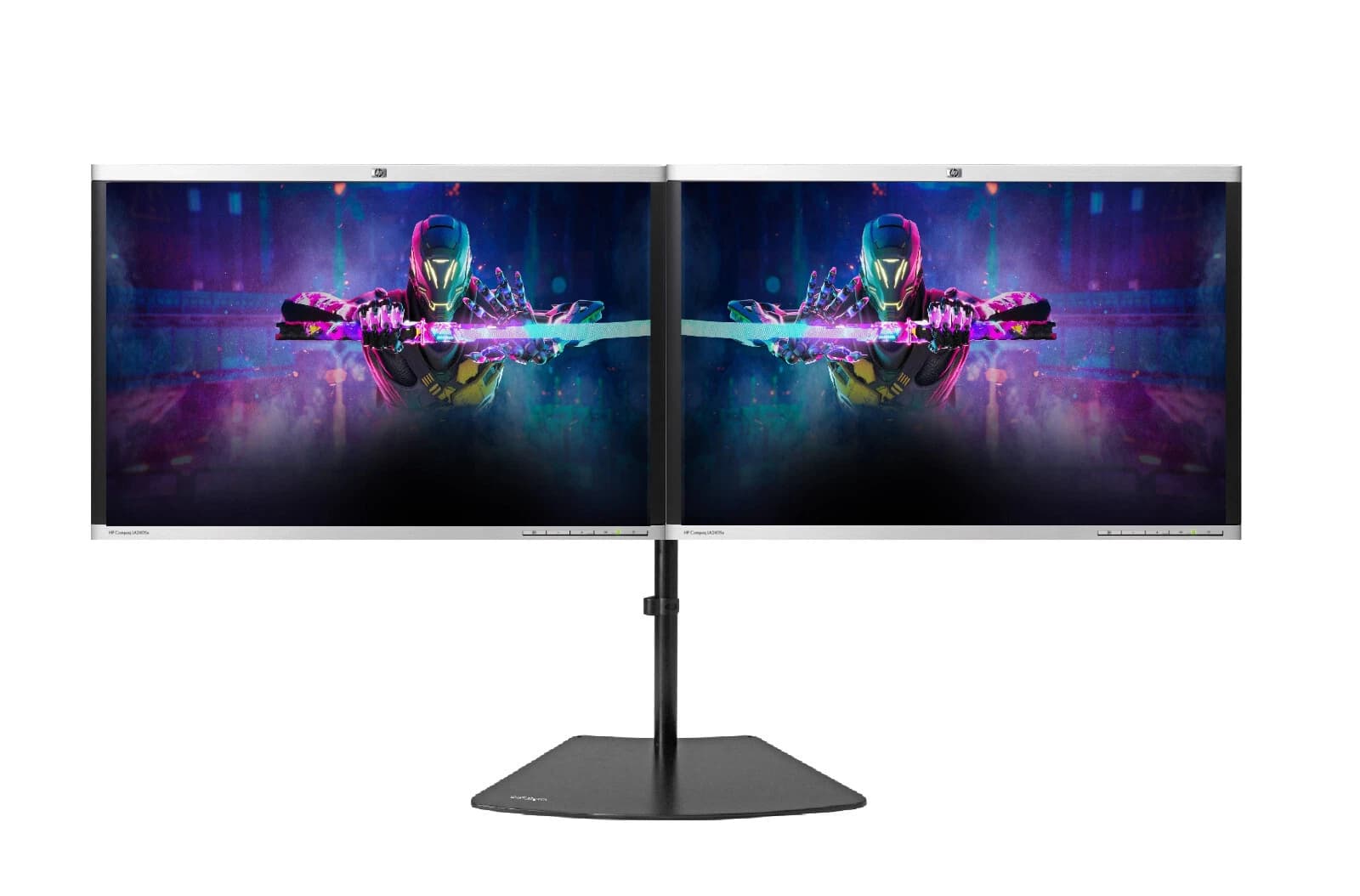
Serious PC gaming in 2026 rarely stops at a single panel. Discord, Twitch chat, OBS, and a browser tab all want space. A dual monitor setup pairs a primary HDR gaming panel with a secondary IPS panel for overlays and utilities.
The Birmingham AV dual monitor bundle pairs one of the HDR panels above with a matched height 24 or 27 inch IPS secondary, calibrated as a set, plus cables and mount. That combination avoids a common trap: Windows applies HDR per display, and a mismatched pairing can pull the primary out of HDR mode when a notification lands on the secondary.
FAQ
Does Auto HDR work on Windows 10?
No. Auto HDR is Windows 11 only, and it requires the DirectX 12 stack Windows 10 does not fully expose. On Windows 10 you are limited to titles with native HDR output. Upgrading to Windows 11 24H2 or later is the practical route.
Can I use HDMI 2.0 for HDR gaming?
Yes, with limits. HDMI 2.0 carries HDR10 at up to 4K 60Hz with 4:2:0 chroma, enough for single player titles at a steady framerate. For 4K 120Hz HDR you need HDMI 2.1 or DisplayPort 1.4 with DSC, and for 4K 240Hz HDR you need DisplayPort 2.1 UHBR20.
Why does HDR look washed out when I enable it?
Almost always one of three causes: SDR content viewed with HDR on, the SDR brightness slider set too low, or Auto HDR stacked on top of a native HDR game. Run the HDR Calibration app, tune the SDR slider, and disable Auto HDR for native HDR titles.
Is Dolby Vision worth it over HDR10 for PC gaming?
On a certified panel, yes, for supported titles. Dynamic tone mapping preserves highlight and shadow detail that HDR10 clips or crushes. On a non certified panel Windows falls back to HDR10 anyway, so paying extra for Dolby Vision only pays off if you play Dolby Vision certified games.
About Birmingham AV
Birmingham AV has sold over 87,000 items on eBay since 2017, with 24,756 buyer feedbacks at 98.9% positive. Every refurbished PC and monitor we sell carries a twelve month warranty. Companies House 12383651, VAT GB 348755066, based in Bromsgrove, Worcestershire. One of the highest volume refurbished PC operations on eBay UK.