Case airflow explained for beginners
How front intake, rear and top exhaust, and pressure balance keep a modern PC quiet, cool and dust free without any dark magic.
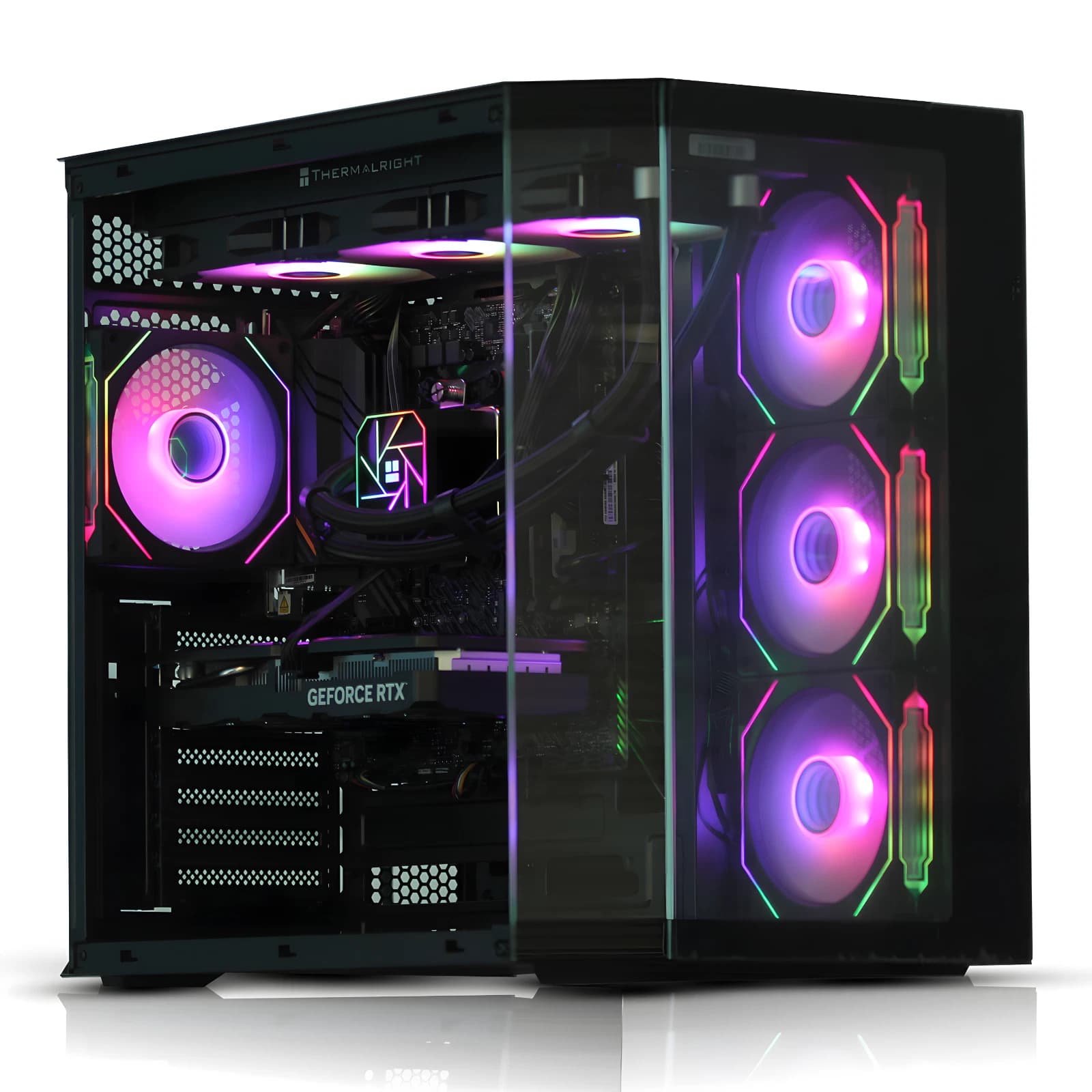
Airflow gets treated like folklore. Forum threads argue about fan counts, and beginners end up with a machine that thermal throttles or sounds like a hair dryer at idle. The physics is simple. Cool air needs to reach hot components, warm air needs a clear path out, and the case needs to sit at sensible pressure. Get those right and a Ryzen 7 with a decent air cooler will hold under 75C on a warm day.
The standard airflow path
Almost every ATX and mATX case sold in the last decade uses the same layout. Cool air enters the front, passes over the graphics card and motherboard VRMs, then exits through the rear and top. Heat rises, so top exhaust works with convection. The rear exhaust sits behind the CPU cooler, giving the tower or AIO a short path to push warm air out.
A typical build uses two 120mm or 140mm intakes at the front, one 120mm rear exhaust, and optionally one or two top exhausts. Three to five fans total is plenty for anything short of a dual GPU workstation. Adding more rarely lowers temperatures by more than a degree or two.
Positive vs negative pressure
Positive pressure means intake exceeds exhaust. Negative pressure means the reverse. Most builders should aim for slight positive pressure.
When the case is slightly pressurised, air only enters through the filtered intake fans. Every other gap in the chassis (PCI slot covers, cable pass throughs, the seam around the top panel) becomes an exit. Dust follows air, so filtered intake plus positive pressure equals a case that stays clean for months rather than weeks.
Negative pressure has a small thermal advantage on paper. In practice that disappears within weeks as dust settles on GPU fins, CPU cooler fins and PSU grilles. A practical setup: two 120mm intakes at 1200 RPM feeding one rear and one top 120mm exhaust at 1000 RPM. Slightly positive, quiet, and clean.
Mesh vs glass front panels
The front panel is the biggest airflow variable people overlook. A tempered glass front looks striking on a desk but blocks roughly 60 to 80 percent of the airflow the front fans are trying to move. The fans spin at the same RPM and produce the same noise, but only a fraction of that air reaches the components.
Mesh fronts are the answer. A well designed mesh panel restricts airflow by less than 15 percent and includes a dust filter behind it. Cases like the Fractal Design Pop Air, Corsair 4000D Airflow, Lian Li Lancool 216, and NZXT H5 Flow all use this approach. GPU temperatures on a mesh front case typically run 5 to 10C lower than the equivalent glass model with identical internals.
If you already own a glass front case, adding a top exhaust fan and higher intake RPM will recover most of the deficit. For anything new with a discrete GPU, mesh wins every time.
Fan curves and noise
Modern motherboards let you set custom fan curves through the BIOS, and this is where much of the noise problem lives. Factory defaults ramp all fans together based on CPU temperature, which is the wrong signal for chassis and GPU cooling.
A sensible chassis fan curve: 30 percent PWM below 50C CPU, ramping to 70 percent at 75C, and 100 percent at 85C. GPU fans are controlled by the card firmware and rarely need adjustment. With a decent air tower like the Deepcool AK620 or Thermalright Peerless Assassin 120 SE, the CPU fan can follow a similar curve.
To see how a properly balanced build behaves out of the box, have a look at the pre built systems in our eBay store. Every machine leaves Bromsgrove with fan curves tuned, cables routed for airflow, and a mesh front where the price allows.
Cable management and airflow
Cables sitting across the motherboard tray create turbulence and dead zones. Route the 24 pin ATX, EPS 8 pin, PCIe power, and front panel cables behind the tray using the built in velcro straps. A clean run gives intake air an uninterrupted path to the CPU cooler and GPU, worth two to three degrees on the CPU under sustained load.
Case size and thermal headroom
Bigger cases give components room to breathe. A cramped mATX case with a high end GPU runs hotter than a mid tower with the same parts, because the GPU has less cool air to draw on before intake fans recycle warm air.
For a gaming build with an RX 7700 XT or RTX 4070 class GPU, a mid tower ATX case in the £70 to £120 range is the sweet spot. Anything more powerful benefits from 140mm fan support and top mount 360mm radiator provision. Compact ITX builds work but need low profile RAM, a two slot GPU, and a compact cooler like the Noctua NH L12S.
FAQ
How many fans does a PC actually need?
Three is the practical minimum for anything with a discrete graphics card: two intake at the front, one exhaust at the rear. A top exhaust helps under sustained load and is worth adding on any build with a 120W or higher CPU. Beyond five fans, returns diminish sharply.
Should I run my fans at full speed all the time?
No. Running fans at 100 percent produces maximum noise and only a small thermal benefit over 70 percent PWM. Set a temperature based curve in BIOS so fans idle quietly and only ramp up under real load. Most users never hear their machine outside gaming.
Do I need liquid cooling?
Not for most builds. A good air tower handles anything up to a Ryzen 7 9700X or Intel Core i7 14700 without issue. AIO liquid coolers are worth considering for top of range chips (Ryzen 9, Core i9) or for looks. Reliability and noise are broadly comparable in 2026.
Why is my new PC louder than my old one?
Usually one of three things: fan curves that ramp too aggressively, a restrictive glass front panel, or a GPU with an aggressive factory fan profile. Check BIOS fan settings first, then check the front panel is letting air through.
About Birmingham AV
Birmingham AV Ltd has been trading on eBay since 2017 and we have sold 87,000 items in that time. Our buyer feedback stands at 24,756 ratings with a 98.9 percent positive score. Every desktop and laptop we ship carries a twelve month warranty. We are one of the highest volume refurbished PC operations on eBay UK, based in Bromsgrove, Worcestershire. Companies House 12383651, VAT GB 348755066.