BIOS settings you should actually change in 2026
A short list of BIOS toggles that meaningfully move performance and stability in 2026, plus the ones that are safer left alone.
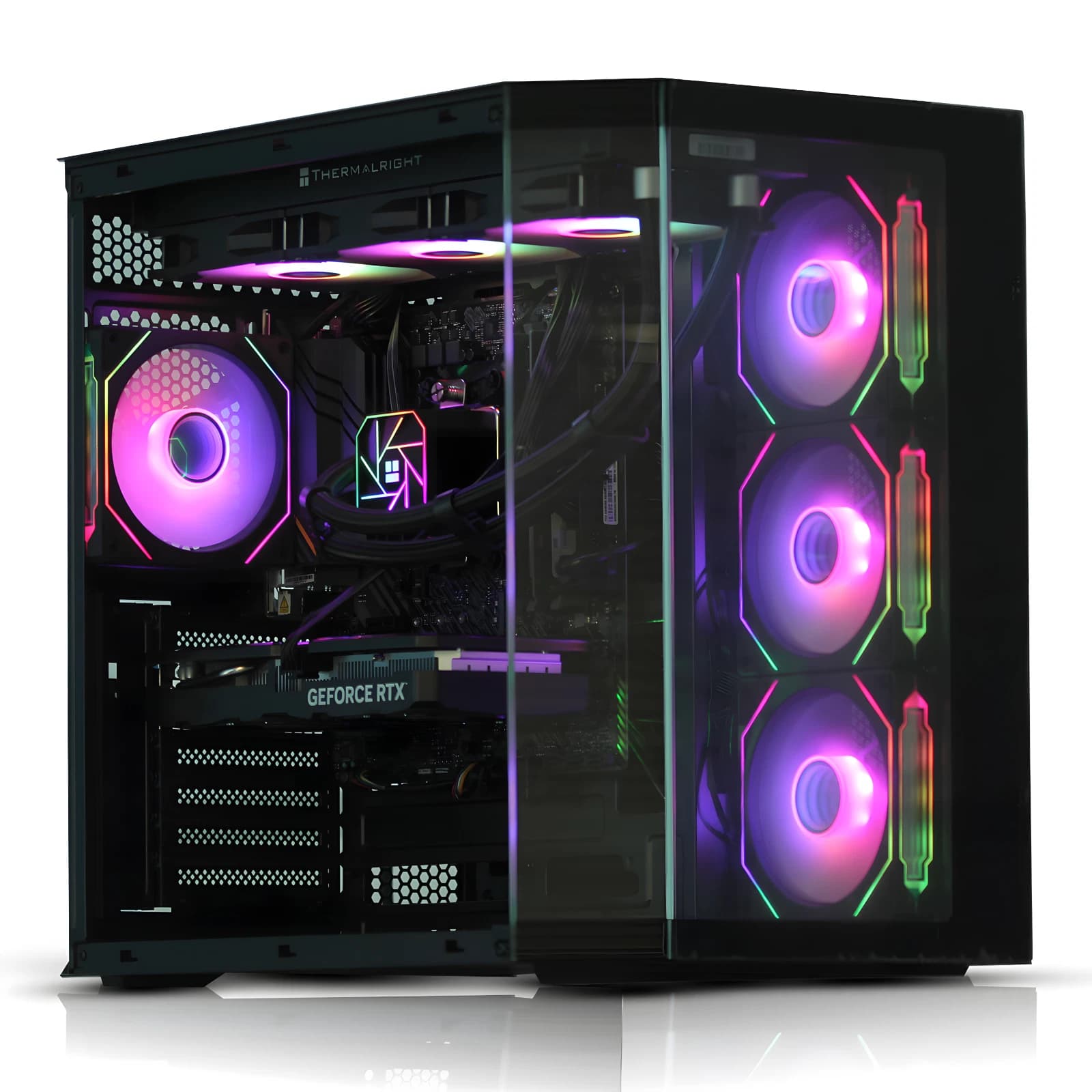
Most BIOS guides are either terrifying overclocking manuals or vague "leave it on defaults" shrugs. Neither is useful if you want a modern PC to run at the speed you paid for. In 2026 there are only four settings worth caring about on a typical AM5 or LGA1851 board.
XMP or EXPO: the single biggest free win
Out of the box, most motherboards run RAM at the JEDEC baseline, which on DDR5 is 4800 MT/s. If you paid for a 6000 MT/s CL30 kit, you are leaving roughly a quarter of your memory bandwidth on the table until you enable the profile.
On Intel this toggle is XMP (Extreme Memory Profile). On AMD it is EXPO (Extended Profiles for Overclocking). Same idea, different sticker.
Recommended targets for 2026:
- AM5 (Ryzen 7000, 8000, 9000): DDR5 6000 MT/s CL30 is the sweet spot. Going higher usually forces the Infinity Fabric out of 1:1 mode and you lose latency.
- LGA1851 (Core Ultra Series 2): DDR5 6400 to 7200 MT/s is comfortable on two DIMMs. Four DIMMs rarely clock cleanly above 5600.
If the system fails to POST, clear CMOS and try the next speed down. The memory controller just did not like that first attempt.
Resizable BAR: turn it on and forget it
Resizable BAR (or Smart Access Memory on AMD platforms) lets the CPU address the entire GPU frame buffer at once rather than in 256 MB windows. On modern GPUs (GeForce RTX 40 and 50 series, Radeon RX 7000 and 9000 series, Arc B-series) the benefit is typically 2 to 8 per cent more frames.
You need three things enabled together: Above 4G Decoding, Re-Size BAR Support, and CSM (Compatibility Support Module) disabled. That last one catches people out. If CSM is on, the board is booting in legacy mode and ReBAR will silently refuse to engage. Confirm GPU-Z reads "Enabled". No meaningful downside on a system built in the last five years.
PBO on Ryzen: yes, but the sensible version
Precision Boost Overdrive is AMD's official "let the CPU boost harder if thermals allow" feature. On Ryzen 7000, 9000 and the X3D parts it is worth enabling, but not the way most YouTube thumbnails show it.
The setting you want is PBO with a negative Curve Optimiser offset, not "PBO Advanced" with sliders maxed. A modest all-core offset of minus 15 to minus 25 typically drops package power by 10 to 20 watts under load, lowers temperatures by 5 to 10 degrees, and adds 100 to 200 MHz to sustained boost clocks.
Undervolting via Curve Optimiser makes a Ryzen chip faster because it stops thermal-throttling. On X3D parts (7800X3D, 9800X3D) the vertical cache limits voltage, so stick to Curve Optimiser only and do not touch the manual voltage. On Intel Core Ultra, leave the power limits (PL1, PL2) at the board's default enforced profile after the 13th and 14th gen degradation saga.
See our current tuned pre-builts on eBay if you would rather skip the tuning step entirely.
Secure Boot: turn it on, seriously
Secure Boot has been a Windows 11 requirement since launch, and in 2026 it is also required for a growing list of games with kernel-level anti-cheat (Valorant, Vanguard, the newer Call of Duty titles, Battlefield 2042 onwards). If it is off, expect games to refuse to launch.
Set the BIOS OS Type to "Windows UEFI" and load the default Secure Boot keys. Then confirm in Windows via msinfo32 that "Secure Boot State" reads "On" and "BIOS Mode" reads "UEFI". If you dual boot Linux, most mainstream distros (Ubuntu, Fedora, Mint) ship signed shim loaders and work fine with Secure Boot on. TPM 2.0 is a separate toggle, called "fTPM" on AMD or "PTT" on Intel. Turn that on at the same time.
What to leave alone
The BIOS is full of dials that look tempting but should stay where they are on a normal desktop:
- CPU multiplier and vcore. Modern boost algorithms are better at this than you are. Manual overclocks in 2026 give up boost behaviour for a flat all-core clock that is usually slower in real workloads.
- SoC voltage on AM5. AMD limited this to 1.3V in firmware for a reason, after the burnt-socket incidents of 2023.
- Memory sub-timings if you cannot read a DDR5 datasheet. EXPO already tightens the ones that matter.
- CPU C-states. Leaving them enabled saves real power at idle (15 to 30 watts) and modern schedulers do not suffer for it.
A sensible order to do this in
From a fresh boot: update the BIOS to the latest stable release, load Optimised Defaults, enable XMP or EXPO, enable Above 4G Decoding and Re-Size BAR and disable CSM, turn on Secure Boot and TPM, and on Ryzen enable PBO with a minus 20 Curve Optimiser offset. Save, exit, and run Cinebench 2024 plus a memory test (Karhu or TestMem5) for an hour before you trust it.
FAQ
Do I need to update my BIOS if the PC works?
Only if there is a specific reason: a new CPU on the same socket, a documented memory compatibility fix, or a security advisory. A working system on a stable BIOS from six months ago is fine. Flashing for the sake of it occasionally breaks memory training.
Will enabling XMP or EXPO void my warranty?
No. Both are officially supported profiles from AMD and Intel, and every major RAM brand ships kits for them. It is a supported feature, not an overclock in the warranty-voiding sense.
Why is my PC slower after enabling PBO?
Almost always because the cooler cannot keep up and the chip is hitting thermal limits earlier. Add a negative Curve Optimiser offset, or check the cooler is mounted correctly. On a 7800X3D with a 240mm AIO, PBO plus minus 20 should be quieter and faster than stock.
Is Resizable BAR worth turning on for an older GPU?
If the GPU is a GTX 10-series, RTX 20-series or Radeon RX 5000 or older, no. Nvidia and AMD only whitelisted the feature from Ampere and RDNA 2 forward. Older cards will ignore it or occasionally refuse to POST with it on.
About Birmingham AV
We have sold more than 87,000 items on eBay since 2017 with 24,756 buyer feedbacks at 98.9% positive, which makes us one of the highest volume refurbished PC operations on eBay UK. Every system ships with a twelve month warranty, XMP or EXPO enabled, Resizable BAR configured, Secure Boot on, and PBO tuned where the platform supports it. Birmingham AV Ltd, Companies House 12383651, VAT GB 348755066, based in Bromsgrove, Worcestershire.
Micky Irons, CMO of Birmingham AV