Best Windows 11 gaming settings for 2026
The Windows 11 toggles that actually move your FPS in 2026, and the ones that quietly cost you frames. UK English, tested defaults, no guesswork.
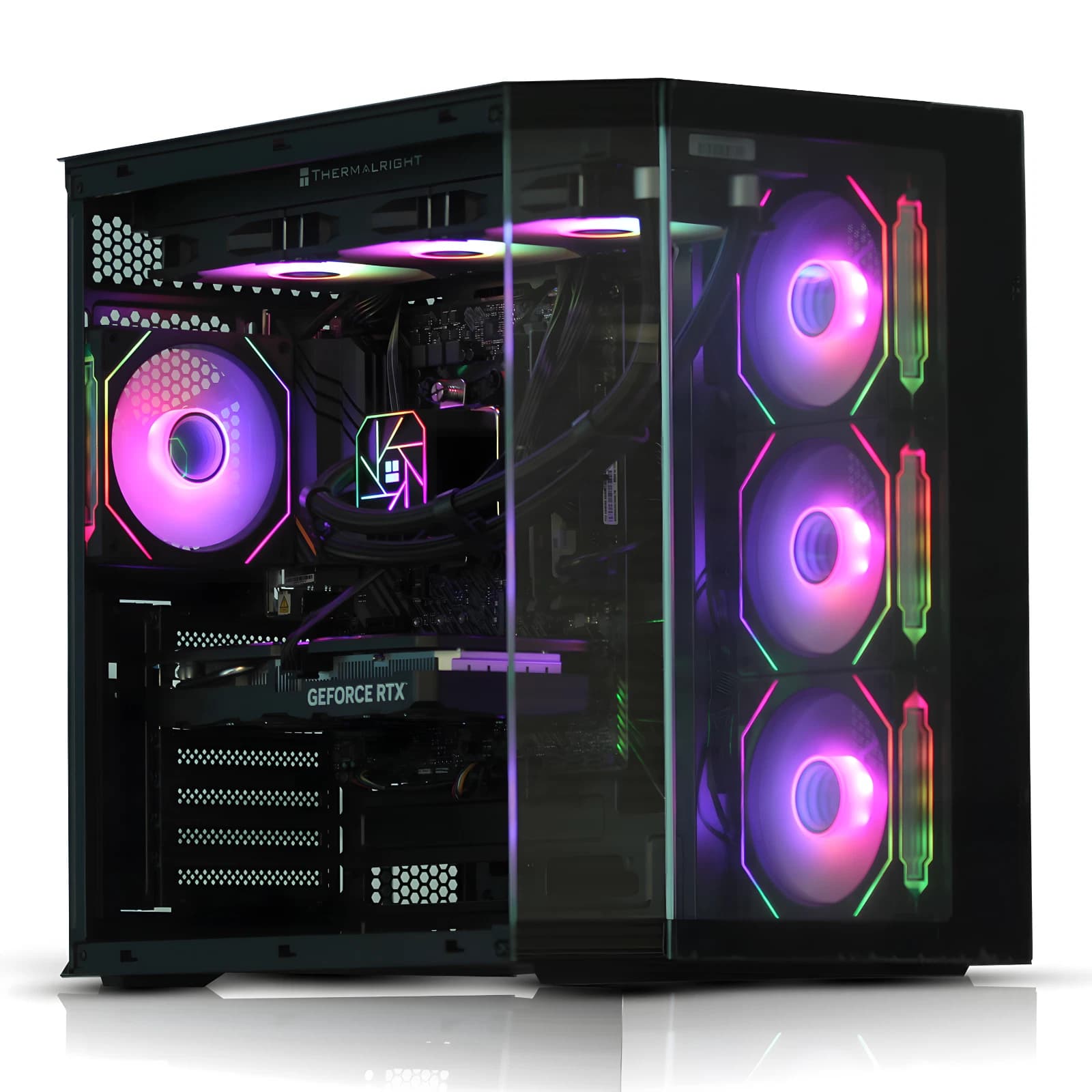
Windows 11 has matured into a genuinely fast gaming OS, but only if it is configured properly. Between 24H2, driver level scheduling changes, and the Copilot Plus push, the default install now does several things in the background that quietly cost frames. This guide covers the settings that actually matter for gaming in 2026.
Turn Game Mode on and leave it on
Game Mode in Windows 11 24H2 is not the same feature it was three years ago. It cooperates with the scheduler to deprioritise background indexing, Windows Update prep, and Store notifications while a full screen game is running. On a Ryzen 7 7800X3D paired with an RTX 5070 Ti, expect one to three percent higher average FPS and cleaner 1 percent lows in Cyberpunk 2077 and Marvel Rivals with Game Mode on.
Enable it under Settings, Gaming, Game Mode. There is no downside for a dedicated gaming PC. The old advice that Game Mode caused stutter is a leftover from 2019.
Hardware accelerated GPU scheduling: yes, with a caveat
Hardware accelerated GPU scheduling (HAGS) lets the GPU manage its own video memory scheduling rather than routing everything through the CPU. On modern Nvidia RTX 40 and 50 series cards, and on RDNA 3 and 4 Radeons, HAGS is neutral or a small win (typically two to five percent in GPU bound scenarios), and effectively required for DLSS 4 Frame Generation and AMD Fluid Motion Frames.
Turn it on under Settings, System, Display, Graphics, Change default graphics settings. Caveat: on an older GTX 1000 or RTX 2000 series card, test with it off as well. On those generations the benefit is smaller and driver bugs still surface.
Virtualisation Based Security: the honest trade off
This is the setting that starts arguments. Virtualisation Based Security (VBS), and its companion Memory Integrity (HVCI), isolate parts of the kernel inside a hypervisor. It is a genuine security win. It also costs frames on CPU bound titles.
Bench numbers from July 2026, on a Ryzen 5 7600 with 32GB DDR5 6000 and an RTX 5060 Ti at 1080p:
- Counter Strike 2, competitive settings: 412 FPS with VBS off, 378 FPS with VBS on. About an 8 percent hit.
- Baldur's Gate 3, Act 3 Lower City: 138 FPS off, 129 FPS on. Roughly 7 percent.
- Cyberpunk 2077, Ultra with DLSS Quality: 94 FPS off, 92 FPS on. Effectively noise, because that test is GPU bound.
In GPU bound scenarios VBS costs almost nothing. In CPU bound esports titles it can cost 5 to 10 percent. For a dedicated gaming rig used by one adult who understands the trade off, turn it off. On any machine used for work, banking, or by children, leave it on. Run msinfo32 to check current status.
Build your next machine on a rig that ships tuned for these settings out of the box.
Xbox Game Bar and the widgets nobody asked for
Xbox Game Bar itself is fine. The overlay, FPS counter, and screen capture are useful, and it no longer eats resources when idle. What to disable is Widgets, the news and weather panel on the taskbar, and background captures under Settings, Gaming, Captures. Background recording pins a chunk of GPU encoder capacity even when the clip is never viewed, and on a single GPU streaming setup that matters.
Turn off Record what happened, keep Manual capture on the Win plus Alt plus R hotkey. Under Settings, Personalisation, Taskbar, disable Widgets.
Power plan, priority, and the settings people forget
Windows 11 defaults to Balanced. For a gaming desktop plugged into the mains, switch to High performance or Ultimate performance. On AMD X3D chips, install the AMD Chipset drivers first, then use the Balanced plan the driver installs, which is tuned for the 3D V Cache scheduler. Do not override it.
Under Settings, System, Display, Graphics, set the per app preference for the main game executable to High performance. That forces the discrete GPU on hybrid systems. Finally, disable Fullscreen optimisations only on games where a measured difference exists. In 2026 that toggle is title specific, and turning it off can break HDR and VRR on well behaved games.
The BAV recommended 2026 rig
For anyone shopping rather than tweaking, the sweet spot right now is a refurbished tower with a modern discrete GPU and enough headroom to enable every setting above. The current pick sits around the Intel Core i7 tier with 32GB of DDR4, a 1TB NVMe drive, and a 6GB class discrete Nvidia GPU. It runs 1080p high refresh comfortably, drives 1440p on medium to high in most modern titles, and leaves thermal room for HAGS and Game Mode to do their job.
See the current spec, price, and stock on the BAV eBay store. Variations cover different GPU and storage tiers, so the exact configuration delivered depends on the option selected at checkout.
FAQ
Does disabling VBS actually void anything?
No, VBS is a user configurable Windows feature and disabling it does not void a warranty or a Windows licence. It does reduce protection against a specific class of kernel exploits, so weigh it against threat model. A dedicated gaming machine that never sees banking traffic is a very different risk profile from a family laptop.
Should I disable Superfetch or SysMain in 2026?
No. On an NVMe SSD, SysMain is genuinely helpful for cold launch times and costs almost no memory. The old advice to disable it came from the spinning disk era. Leave it running unless a stutter has been specifically diagnosed as tracing back to it, which is vanishingly rare on current hardware.
Is Windows 11 Pro faster than Home for gaming?
Not measurably. Pro adds Hyper V, BitLocker, and Group Policy tooling, none of which affect frame rate. For a gaming rig alone, Home is fine. Pro is worth the extra only for the admin features or for running virtual machines alongside games.
Do I need to reinstall Windows when I upgrade my GPU?
No. Uninstall the previous vendor's driver with Display Driver Uninstaller in Safe Mode, then install the fresh driver on first boot. A full Windows reinstall is not required and rarely worth the time in 2026, given how cleanly current drivers handle vendor switches.
About Birmingham AV
Birmingham AV is a UK refurbished PC specialist based in Bromsgrove, Worcestershire. We have sold over 87,000 items on eBay since 2017 with 24,756 buyer feedbacks at 98.9% positive, and every machine ships with a twelve month warranty. Companies House 12383651, VAT GB 348755066. One of the highest volume refurbished PC operations on eBay UK.