Best refurbished PC for developers: VS Code, JetBrains, Docker
A practical guide to picking a refurbished desktop that handles VS Code, JetBrains IDEs, Docker Desktop and WSL2 without stuttering. Real specs, defensible numbers, no hype.
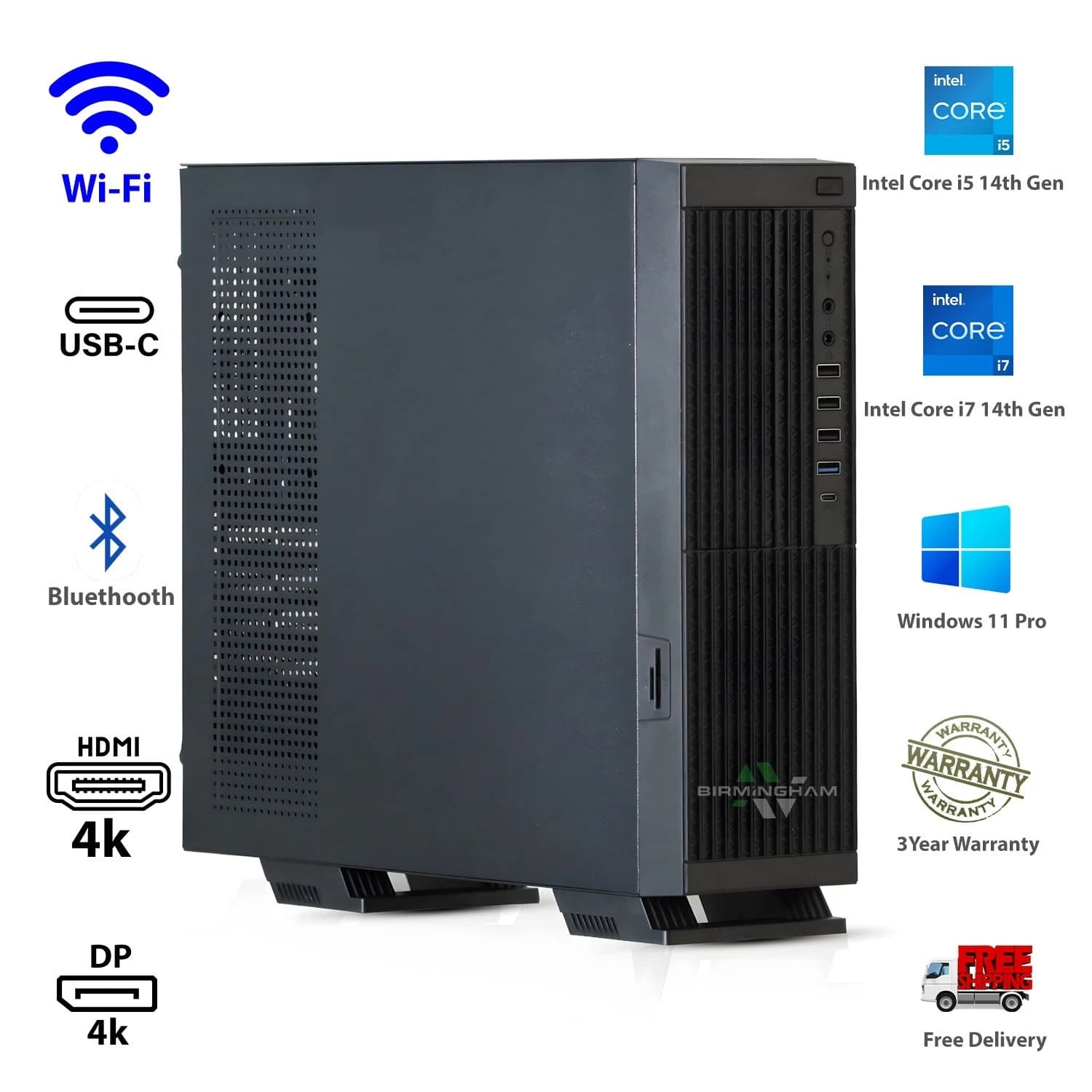
Modern development is memory hungry. A VS Code window with the TypeScript language server, ESLint and a couple of Copilot style extensions can sit at 1.5 to 2.5 GB before you open a browser tab. Add a JetBrains IDE, Docker Desktop with three or four containers, and WSL2 underneath, and the working set climbs past 16 GB fast.
That is why the refurbished market is a sensible route on a UK budget. Ex corporate workstations were specified for exactly this workload, and they now sell for a fraction of the retail price of a comparable new build.
What a dev box actually needs to do
The bottleneck is not raw single core speed. It is holding state in memory and reading small files at NVMe speed. A typical working day involves:
- Two to four editor windows, each with its own language server.
- A browser with 30 to 80 tabs, several running heavy JavaScript.
- Docker Desktop with a compose stack of three to six containers.
- WSL2 with a full Ubuntu userland and its own toolchains.
- Slack, Teams, Notion or Linear in the background.
Add a video call and you are asking the machine to hold 20 to 28 GB of active memory before anything unusual happens. That is why 8 GB machines feel slow the moment you install a real toolchain, and why 16 GB is the practical floor.
The RAM headroom argument
Doubling RAM from 16 GB to 32 GB is the single upgrade that changes how a dev machine feels. Language servers stop being killed by the OS, Docker Desktop stops thrashing its WSL2 backend, and Chrome stops discarding tabs. On Windows 11, WSL2 will claim up to half of installed RAM by default, so 32 GB gives the Linux VM up to 16 GB while leaving Windows comfortable.
For local Kubernetes, compiling Rust or C++, or running a local LLM at 7B to 13B parameters, 64 GB earns its keep.
NVMe speed matters more than clock speed
The second upgrade that transforms a dev machine is a proper NVMe SSD. A SATA SSD tops out around 550 MB per second. A PCIe Gen 3 NVMe drive does 3,000 to 3,500 MB per second, and a Gen 4 drive does 5,000 to 7,000 MB per second. That difference is felt every time you run pnpm install, pull a Docker image, have a JetBrains IDE index a monorepo, or rebuild a TypeScript project with a cold cache. Indexing a 200,000 file monorepo can take five to six minutes on SATA and closer to 90 seconds on a Gen 3 NVMe.
Where refurbished workstations win
Ex corporate towers from HP, Dell and Lenovo were built for finance, engineering and CAD users. They shipped with server grade power supplies, proper cooling, and enough PCIe lanes for an NVMe SSD, a discrete GPU and 128 GB of RAM. Three to four years on, they sell refurbished at 60 to 75 percent off the original price.
The Intel i7 8th, 9th and 10th generation chips inside them (typically i7 8700, 9700 or 10700) still benchmark within 15 to 25 percent of current mid range desktop CPUs for compile and container workloads. The practical difference is a few extra seconds on a large build.
For a fully specified refurbished workstation ready for VS Code, JetBrains and Docker, see the BAV i7 dev build on eBay. The listing covers RAM from 16 GB to 64 GB, NVMe from 512 GB to 2 TB, and optional discrete GPU choices, so read the variation dropdown carefully.
The recommended BAV i7 build for developers
For a developer running the stack described above, the sweet spot is:
- Intel Core i7 (8th, 9th or 10th generation, six or eight cores).
- 32 GB DDR4 as the default, 64 GB for Kubernetes or local models.
- 1 TB NVMe SSD primary, with a second SATA drive for backups and Docker images.
- Discrete GPU only for ML, video work, or local LLMs. For web and backend work, integrated graphics is fine.
- Windows 11 Pro for WSL2 and Hyper V, which Docker Desktop requires.
At current UK refurbished pricing, this build lands between £320 and £520 depending on RAM, storage and GPU choice, against £900 to £1,300 for a broadly equivalent new machine.
Twelve month warranty and why it matters
A refurbished machine is only as good as the process behind it. A proper refurbisher replaces the thermal paste, tests every stick of RAM with MemTest86, runs a full SMART check on the drive, and reinstalls Windows from a clean image with a genuine licence. Anything less is a used PC, not a refurbished one. A twelve month return to base warranty is what you should expect at this price point.
FAQ
Is a refurbished i7 fast enough for modern web development?
Yes, comfortably. An i7 8700 or 9700 with 32 GB of RAM and NVMe storage runs VS Code, WebStorm, Docker Desktop and Chrome side by side without stutter. You will see a difference against a current i7 or Ryzen 7 on cold builds of very large projects, but day to day the experience is functionally identical.
Do I need a discrete GPU as a developer?
For web, backend, mobile and fullstack work, no. Intel UHD 630 integrated graphics will drive two 1440p monitors comfortably. A discrete GPU only matters for local ML training, video work, or running a local LLM at any useful size.
How much RAM do I actually need for Docker and WSL2?
16 GB is the floor for a single container stack. 32 GB is the honest recommendation for Docker Desktop, WSL2, VS Code and a browser together. 64 GB earns its keep for local Kubernetes or local language models.
Can I upgrade the RAM later?
On most ex corporate HP, Dell and Lenovo workstations, yes. These boards typically have four DIMM slots and support 64 GB or 128 GB total. Check the exact model, and check whether the current RAM is one stick or two, since that affects the upgrade path.
About Birmingham AV
Birmingham AV has sold 87,000 items on eBay since 2017, with 24,756 buyer feedbacks at 98.9 percent positive. Every refurbished PC ships with a twelve month return to base warranty, a clean Windows install and a genuine licence. We are one of the highest volume refurbished PC operations on eBay UK. Companies House 12383651. VAT GB 348755066. Based in Bromsgrove, Worcestershire.