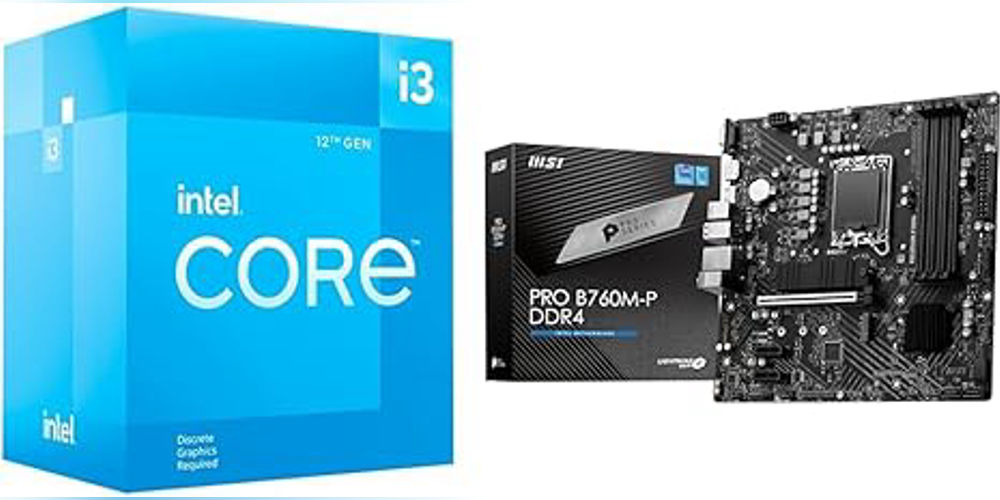
Product Comparison Guide
Objective
Enable customers to compare two products side by side on the website to make informed purchase decisions. The comparison should highlight specifications, features, pricing, and other relevant details in a clear, organized layout.
1. User Flow
- Select Products for Comparison
- Users can select two products from product listing pages (PLP) or product detail pages (PDP) by clicking a “Compare” checkbox/button.
- Maximum of two products can be selected at a time.
- Access Comparison Page
- After selection, users click “Compare Now”.
- The site redirects to the Comparison Page displaying the two chosen products side by side.
- View & Analyze
- Users can review specifications, features, price, ratings, reviews, availability, and warranty information.
- Optional: highlight differences between products for easier decision-making.
- Take Action
- Users can Add to Cart directly from the comparison page.
- Users can remove a product from comparison and select another.
2. Page Layout
Header
- Product images
- Product name
- Price
- Ratings and reviews
- “Remove” button for each product
Comparison Table Sections
- Basic Information
- Brand
- Model
- Category
- SKU / Product Code
- Pricing & Availability
- Price (current, discount, and original)
- Stock status
- Delivery options
- Key Features
- Feature 1 (e.g., Processor, Screen Size, etc.)
- Feature 2
- Feature 3
- …any product-specific key feature
- Technical Specifications
- Dimensions / Weight
- Battery / Power
- Connectivity options
- Material / Build quality
- User Experience
- Reviews & Ratings
- Warranty / Support
- Recommended usage or target audience
- Visual Differences
- Color options
- Images / Videos
- Product gallery carousel (optional)
Footer
- Call-to-action buttons:
- Add to Cart
- Back to Product Listing
- Share Comparison
3. Functional Requirements
- Product Selection
- User can select a product by clicking Compare on PLP or PDP.
- Disable comparison for more than two products (notify user).
- Dynamic Loading
- Comparison page loads all specifications dynamically from product database.
- Highlight differences between products (e.g., using colors or icons).
- Responsiveness
- Mobile-friendly layout with vertical stacking if screen width is small.
- Desktop view should be side-by-side comparison.
- User Interaction
- Remove a product from comparison without leaving the page.
- Switch products easily.
- Optional: export comparison to PDF or share via link.
4. UI/UX Recommendations
- Highlight differences with colored indicators (green = better, red = worse, gray = same).
- Keep images and pricing above the fold for immediate visibility.
- Make table scrollable horizontally on smaller screens.
- Use icons for quick recognition (e.g., battery, processor, RAM).
5. Optional Enhancements
- Include “Most Recommended” badge based on feature superiority.
- Add filters for specifications to focus on key criteria.
- Integrate customer questions & answers under each product.
- Allow adding more than 2 products for advanced comparison in desktop view.
This guide ensures that users can easily compare two products side by side and make confident purchasing decisions.